
Create a Comic Book Online
Learn how to create complete comic books with AI. No drawing skills needed — just your imagination and a few clicks.
Complete comic book creation platform
In one paragraph
COMICPAD is an AI comic book maker — type a 2-3 sentence story brief, get a finished comic book with panels, dialogue, and covers automatically. Up to 400 pages in one Custom-tier job. 11 art styles (manga, anime, manhwa, superhero, sci-fi, noir, fantasy, seinen, comedy, horror, romance). Consistent characters across the whole book (up to 6 named characters). Dialogue placed automatically in correctly-shaped speech bubbles. Free trial covers a complete first comic. Alternatives: Canva or Book Creator for template-drag assembly, Blurb or Lulu for print fulfillment, Dashtoon as our closest AI competitor (ranks #1 on our main listicle; we rank #2). Updated July 12, 2026.
What's New for Comic Book Creation in 2026
Four updates that change the answer to “how do I create a comic book online?”
- → Midjourney V8.1 became the default model on June 10, 2026. Native HD 2K output, stronger
--crefcharacter reference. Still no native panel/dialogue tools — Canva or Photoshop assembly required. - → Niji 7 launched January 9, 2026 (Spellbrush × Midjourney) — the dedicated anime/manga branch with its own character-reference workflow.
- → Dashtoon raised a $13M Series A from Peak XV in August 2025 — validating the AI-comic-book category. Free tier still 100 images/day; paid pricing not publicly listed.
- → AI Comic Factory's GitHub repository was archived October 31, 2025. The hosted Space at aicomicfactory.com continues to operate; community pull requests stopped.
Comic Book vs Comic Strip vs Webtoon vs Manga
Pick the right format before picking the tool — they require different page counts, layouts, and tools.
Comic book
Book-length, multi-page with narrative arc, cover + back, ~22-page issue or 100+ graphic novel.
Best for: Self-contained story, gift, print, KDP.
Comic strip
3–8 panels, gag or short-form, newspaper-style rhythm.
Best for: Social posts, daily content, micro-stories.
Webtoon
Vertical scroll, mobile-first, episodic.
Best for: WEBTOON Canvas, Tapas — long serial format.
Manga
Japanese tradition, right-to-left, demographic genres (shōnen, shōjo, seinen).
Best for: Style + cultural tradition; 21-400 page Custom tier handles long-form.
How to Create a Comic Book
A complete guide to creating your first comic book with AI.
Build Your Cast
Every great comic starts with great characters. Describe your characters in detail — give them names, roles, and personalities.
- ✓AI generates characters from your descriptions
- ✓Detailed descriptions produce better results
- ✓Assign roles: Hero, Villain, Sidekick
Set the Visual Style
Choose an art style that matches your story's mood. Each style has a unique aesthetic that defines the comic's look.
- ✓8 professional art styles
- ✓Each style sets the visual tone
- ✓Preview before generating
Craft Your Story
Write a story prompt describing your plot. The AI breaks it into scenes, writes dialogue, and creates narration.
- ✓Write in any of 30+ languages
- ✓AI handles scene breakdowns
- ✓Choose page count (up to 20)
Generate & Export
Click generate and watch your comic come to life page by page. Download as HD PDF.
- ✓Complete comic in 3-5 minutes
- ✓Export as HD PDF
- ✓Download and keep forever
Anatomy of a Comic Book
The parts of a comic book and what each one carries. Useful before you start so the AI brief covers what matters.
Front cover
Title at top or bottom third, hero image center, issue/volume number top corner. Title typography matters more than the art — strong hero image with weak title reads amateur.
Inside front
Optional credits page or splash. Issues skip this; graphic novels often use it.
Splash page
Opening full-page dramatic panel. Establishes mood, character, or world. Standard convention but optional.
Standard pages
3–6 panels per page is the working range. Three-panel pages slow pacing; five or six accelerate. Gutters (the space between panels) carry implied time.
Speech balloons
Round oval for normal dialogue. Cloud for thoughts (or use captions). Jagged for shouting or electronic. 25 words per balloon is the practical maximum.
Back cover
Short synopsis (50–100 words), publisher info, barcode area if KDP. For a gift comic, fill with inside joke or quote.
2026 Tool Comparison: Six Paths to a Comic Book
Honest side-by-side. Picked for actual book-length capability, not strip-only.
| Tool | AI art | Book-length | Consistency | Dialogue | Free tier | Price | Best for |
|---|---|---|---|---|---|---|---|
| COMICPAD | Yes (11 styles) | Yes (4–400 pages, Custom tier) | Automatic (up to 6 characters) | Yes (automatic) | Trial only | $6.99–$54.99/mo | Book-length AI comics end-to-end |
| Dashtoon | Yes (manga-leaning) | Yes | Strongest in our benchmark | Yes | 100 imgs/day (platform-locked) | Paid not public | Webtoon-first, multi-platform creators with budget |
| Canva (Magic Media) | Yes (general AI) | Manual (template assembly) | Weak across panels | Manual speech bubbles | Limited Magic Media uses | $15/mo Pro | Layout + manual assembly with imported art |
| Pixton | No (drag-drop avatars) | Yes (manual) | Deterministic (pre-made assets) | Manual | 30-day educator trial | $10/mo Solo | Education / classroom strip comics |
| Storyboard That | No (clip art) | No (strip/storyboard focus) | Deterministic (pre-made assets) | Manual | Very limited | $9.99–$24.99/mo | Educational storyboarding, lesson visuals |
| Midjourney + Canva | V8.1 / Niji 7 | Manual stitching | --cref drifts past ~6 panels | Manual lettering in Canva | None | $30 + $15 = $45/mo | Highest-quality individual panels, willing to stitch |
Editorial honesty: on our main 2026 listicle for overall capability we rank COMICPAD #2 of 10 behind Dashtoon — see the methodology.
Going Long: Graphic Novel Length (21–400 Pages)
Most AI tools cap at 10–20 pages per generation. COMICPAD's Custom tier generates 21–400 page comics in a single job, with a 20,000-character story prompt for per-page scripting and a planning phase before render. A 400-page comic takes 30–45 minutes (~75 seconds per 20-page chunk after planning).
Honest framing: long-form AI comic generation is unusual. Most users want 10–20 pages and standard plans handle that. Custom tier exists for memoirs, family histories, graphic-novel-length personal projects, and serial productions that would otherwise require stitching multiple jobs.
11 Unique Art Styles
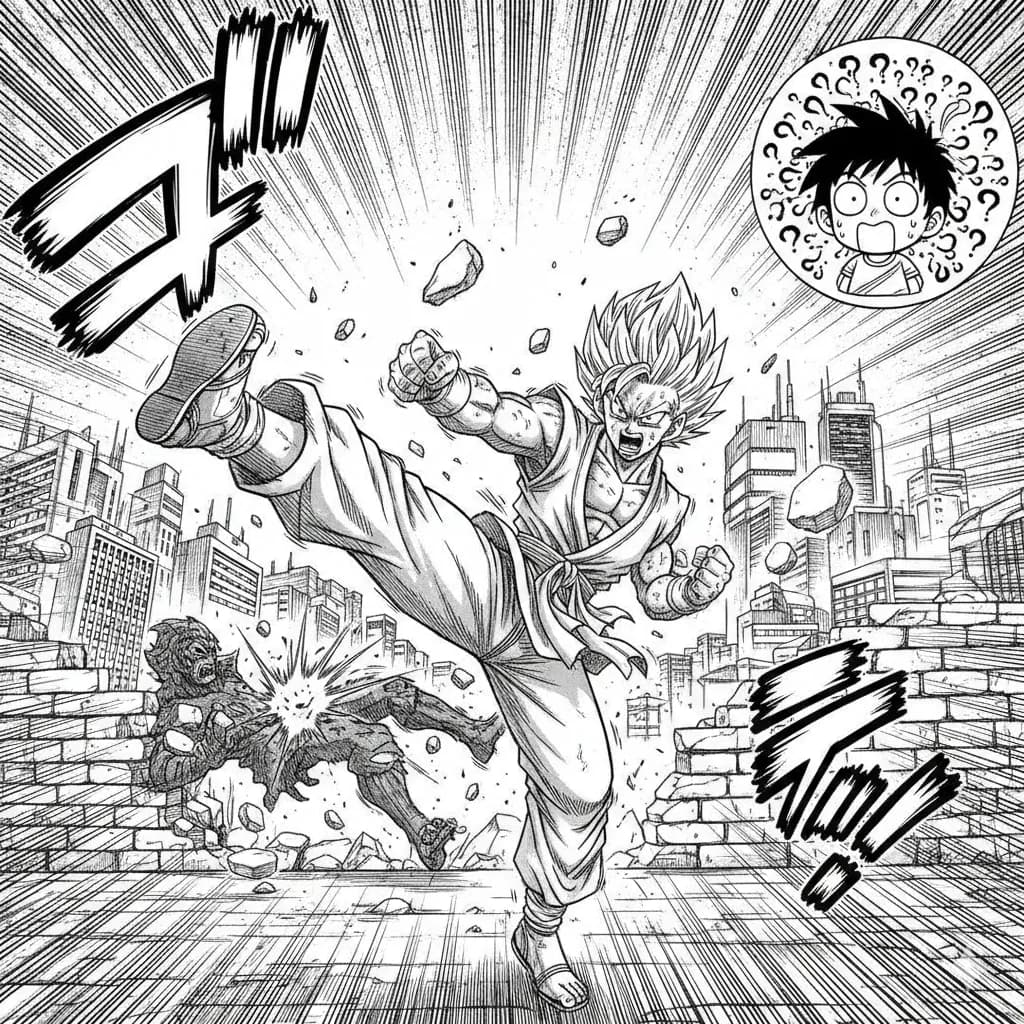
Manga
Classic Japanese manga with screentones and ink work.
Try this style →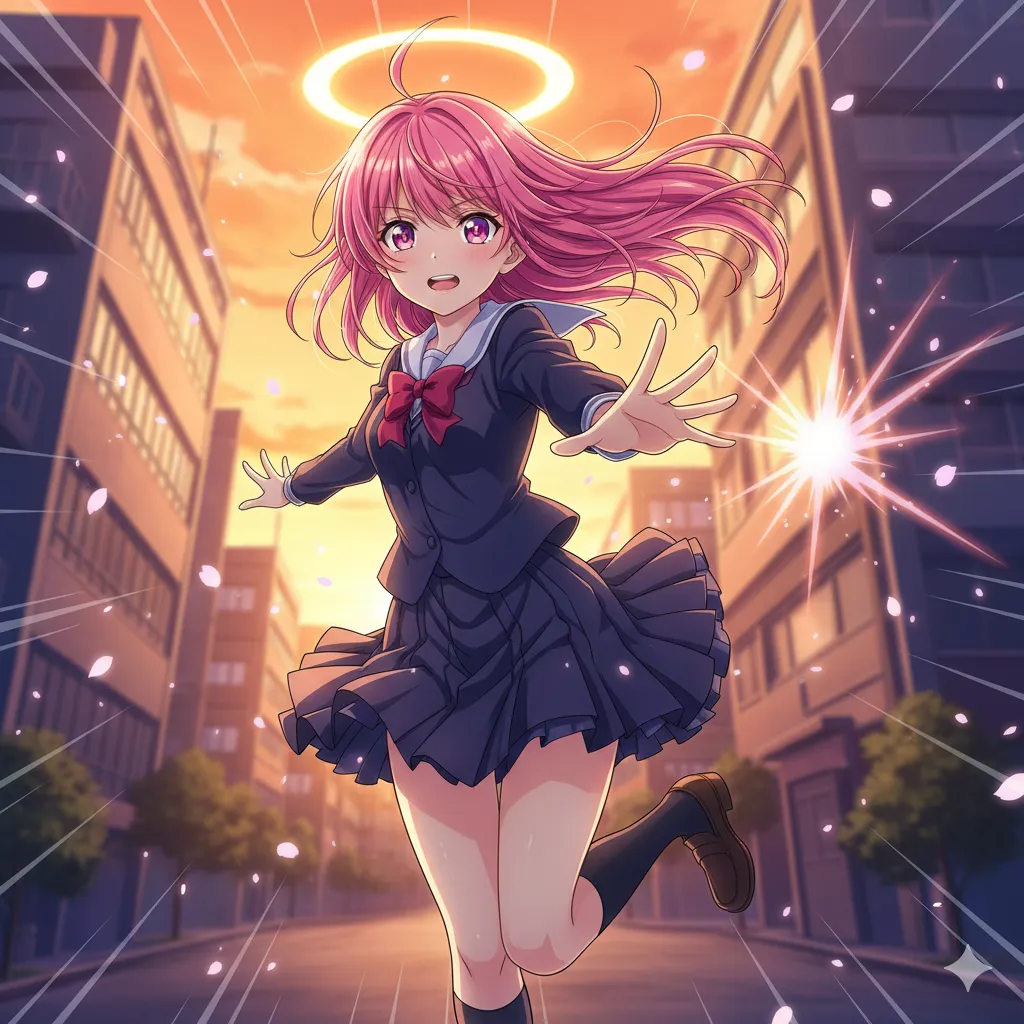
Anime
Vibrant cel-shaded art, expressive eyes, dynamic poses.
Try this style →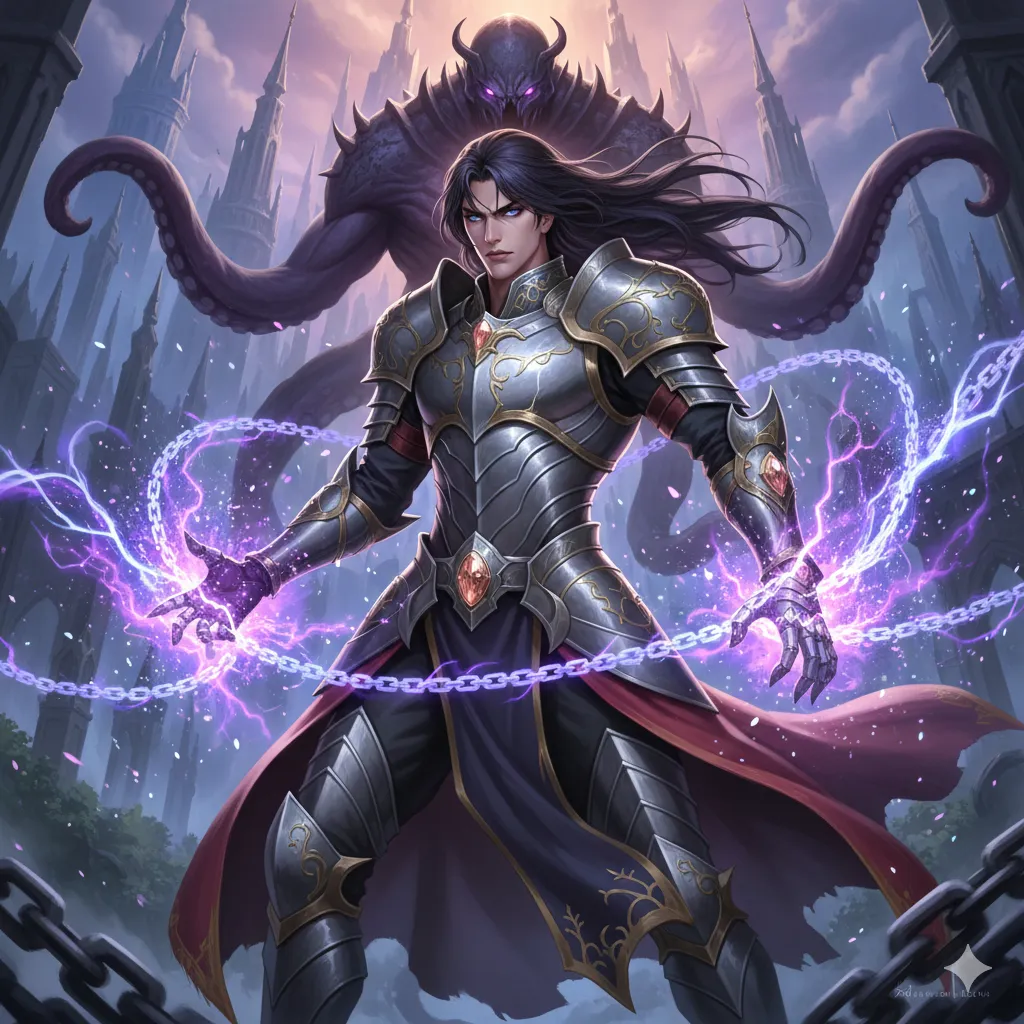
Manhwa
Korean webtoon style, full color, vertical flow.
Try this style →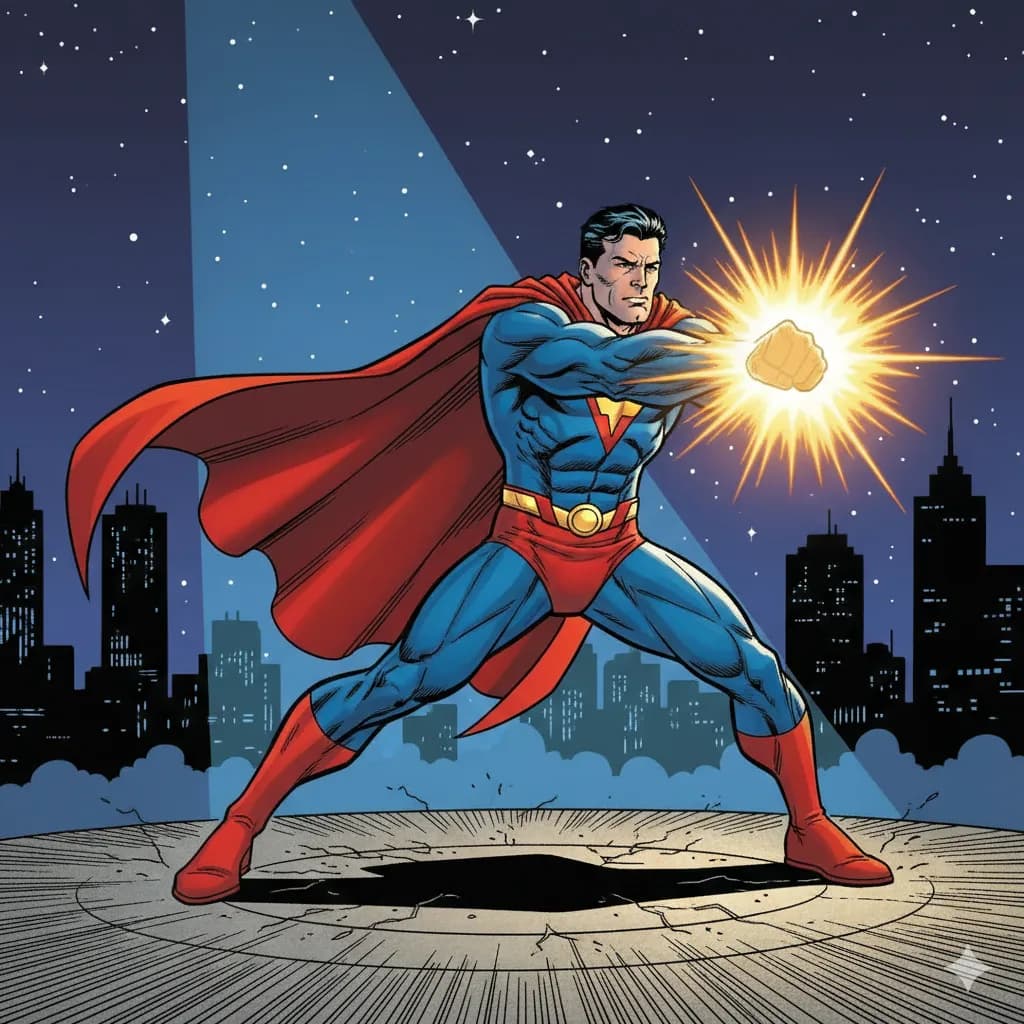
Superhero
Bold lines, vibrant colors, superhero aesthetics.
Try this style →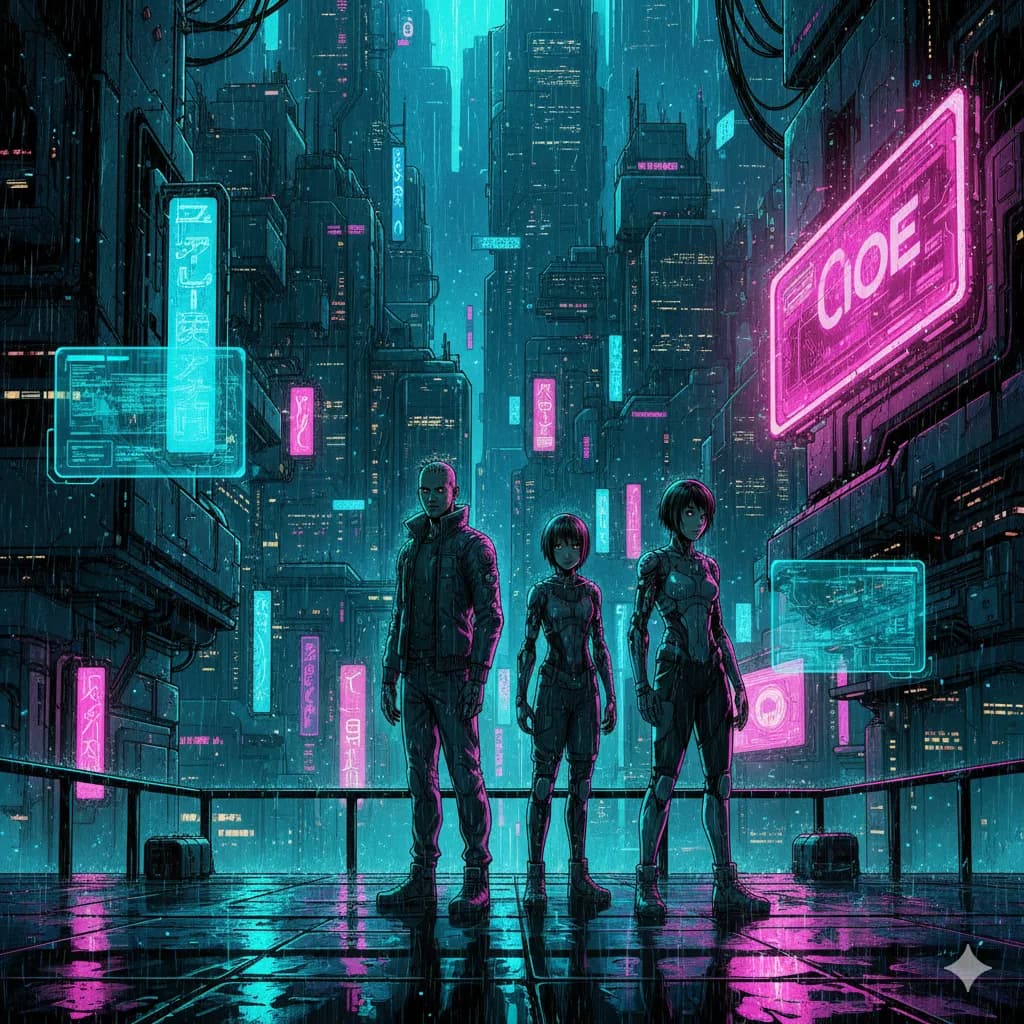
Sci-Fi
Futuristic settings, neon accents, tech-driven world.
Try this style →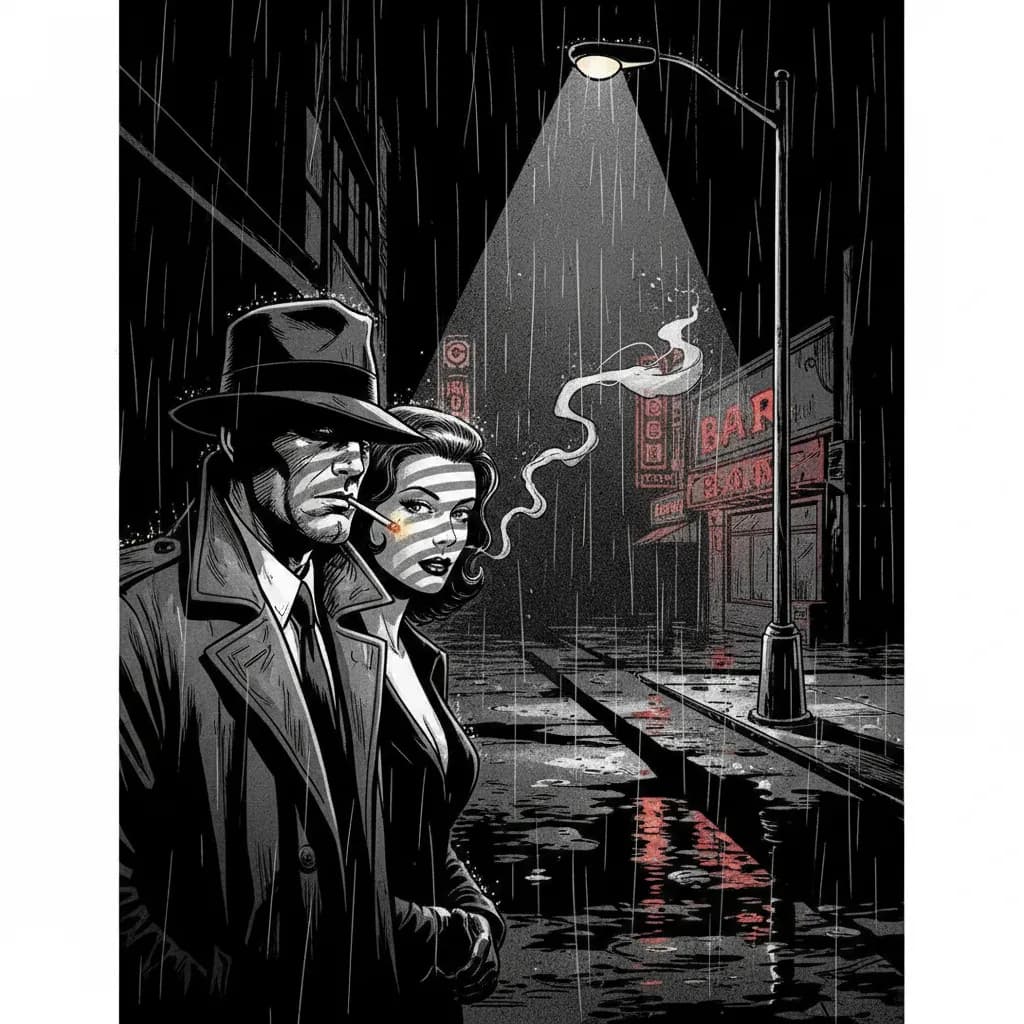
Noir
High contrast, dark moody tones, detective atmosphere.
Try this style →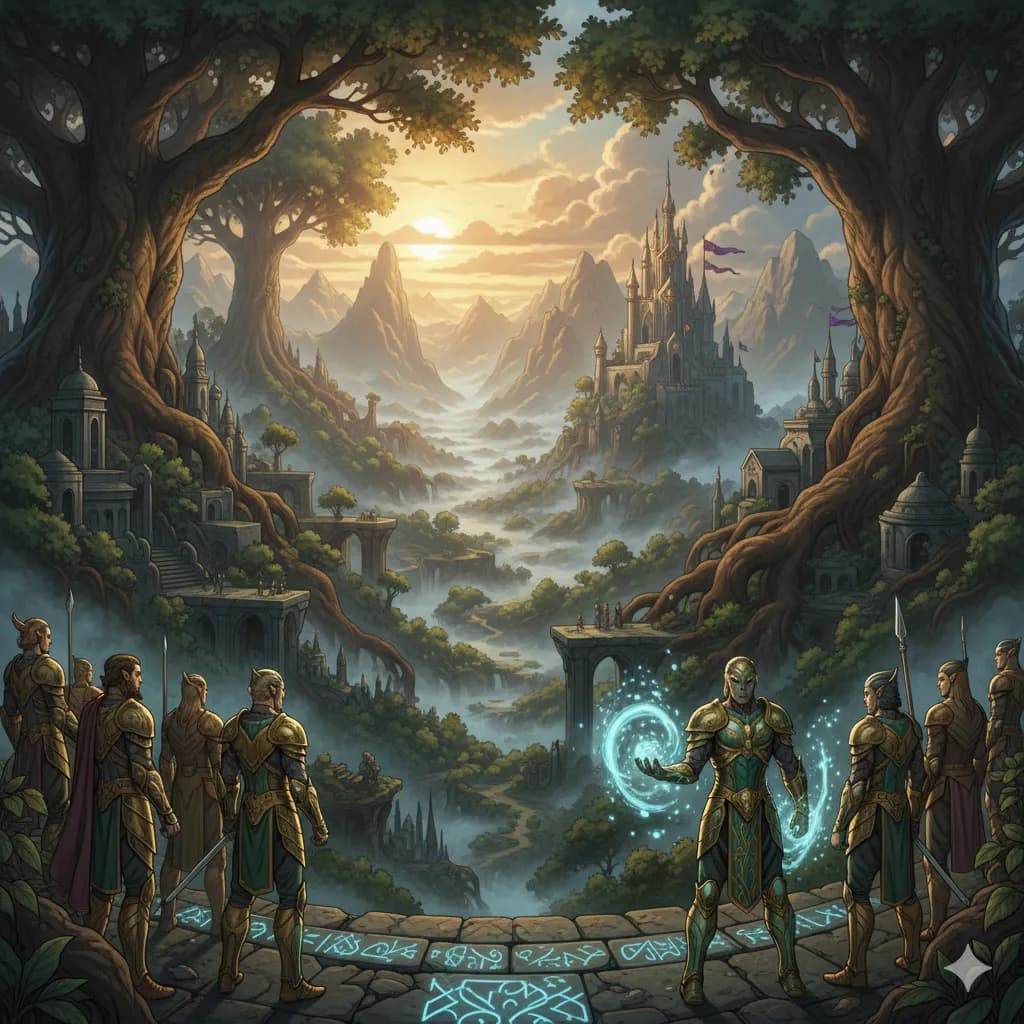
Fantasy
Epic landscapes, magical creatures, enchanted realms.
Try this style →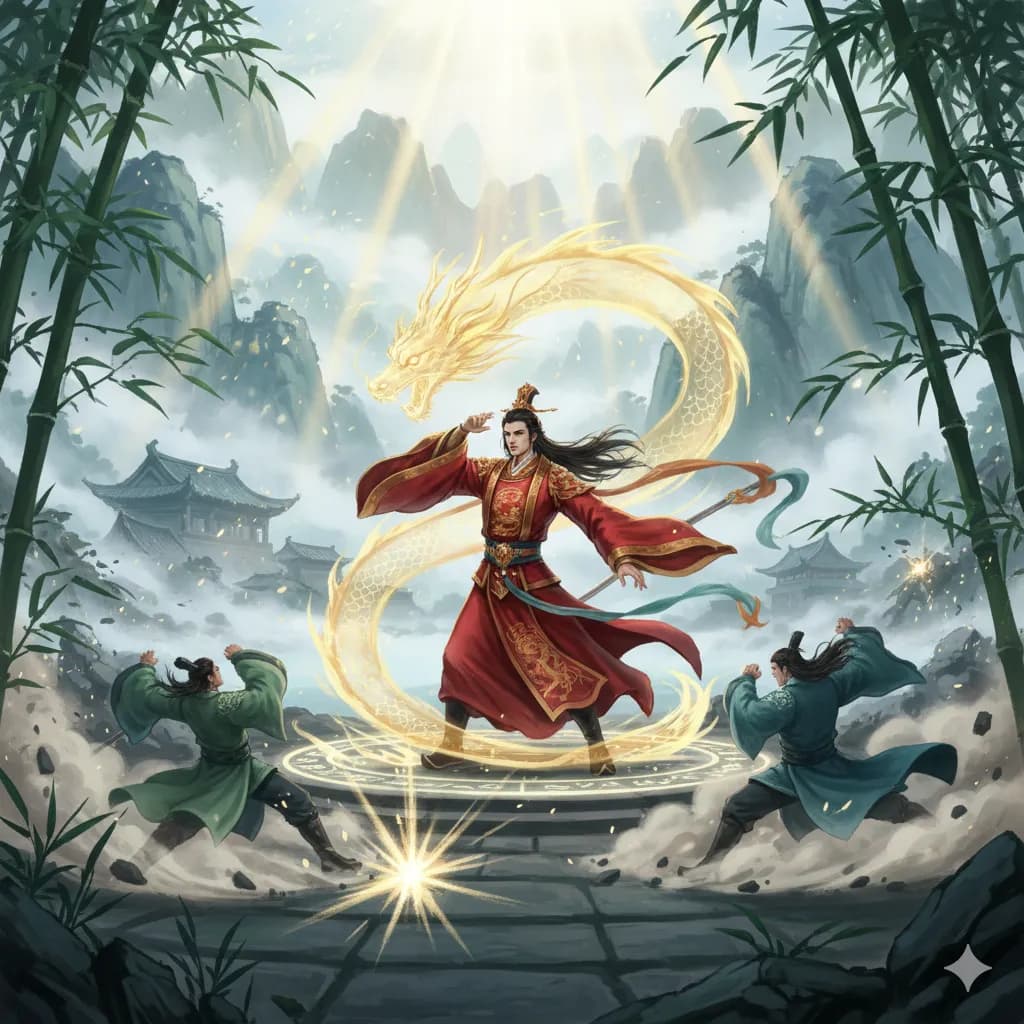
Manhua
Chinese comic style, rich colors, martial arts themes.
Try this style →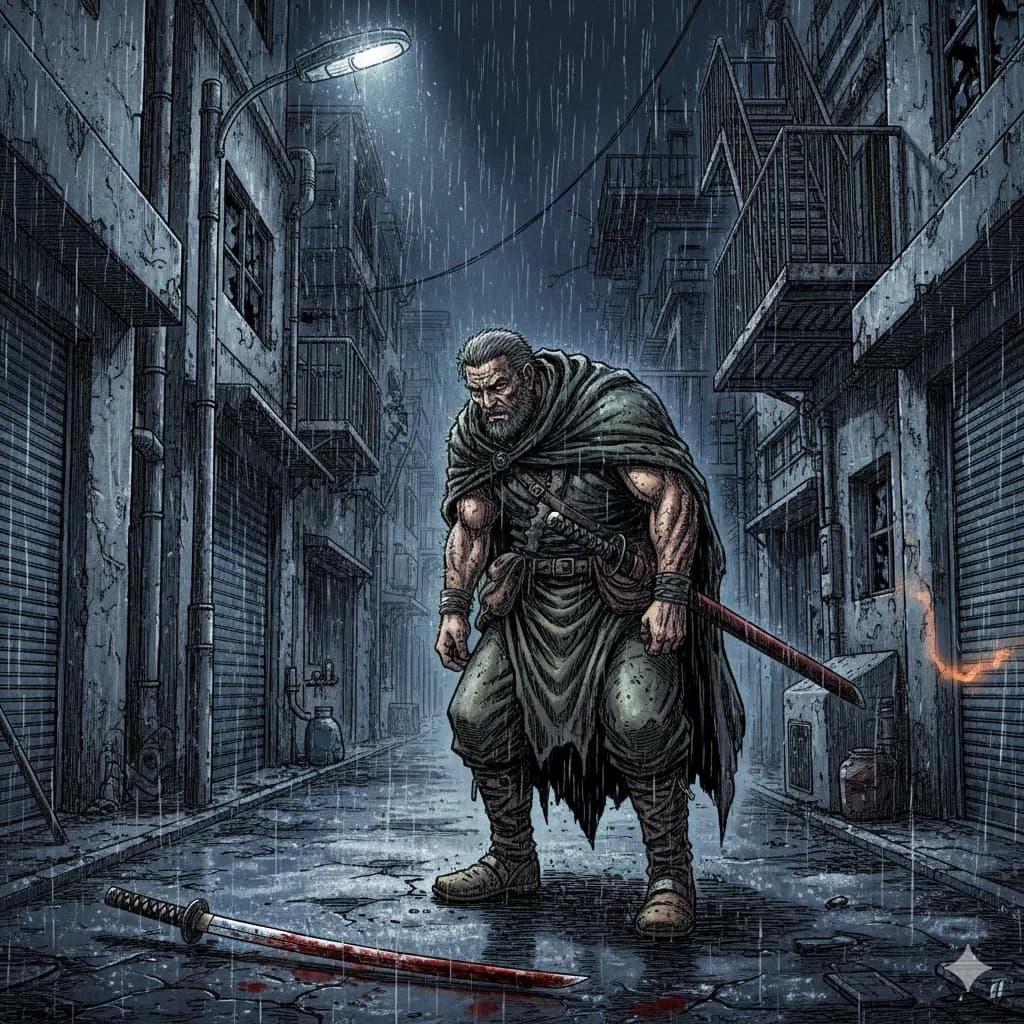
Seinen
Mature manga, detailed art, complex narratives.
Try this style →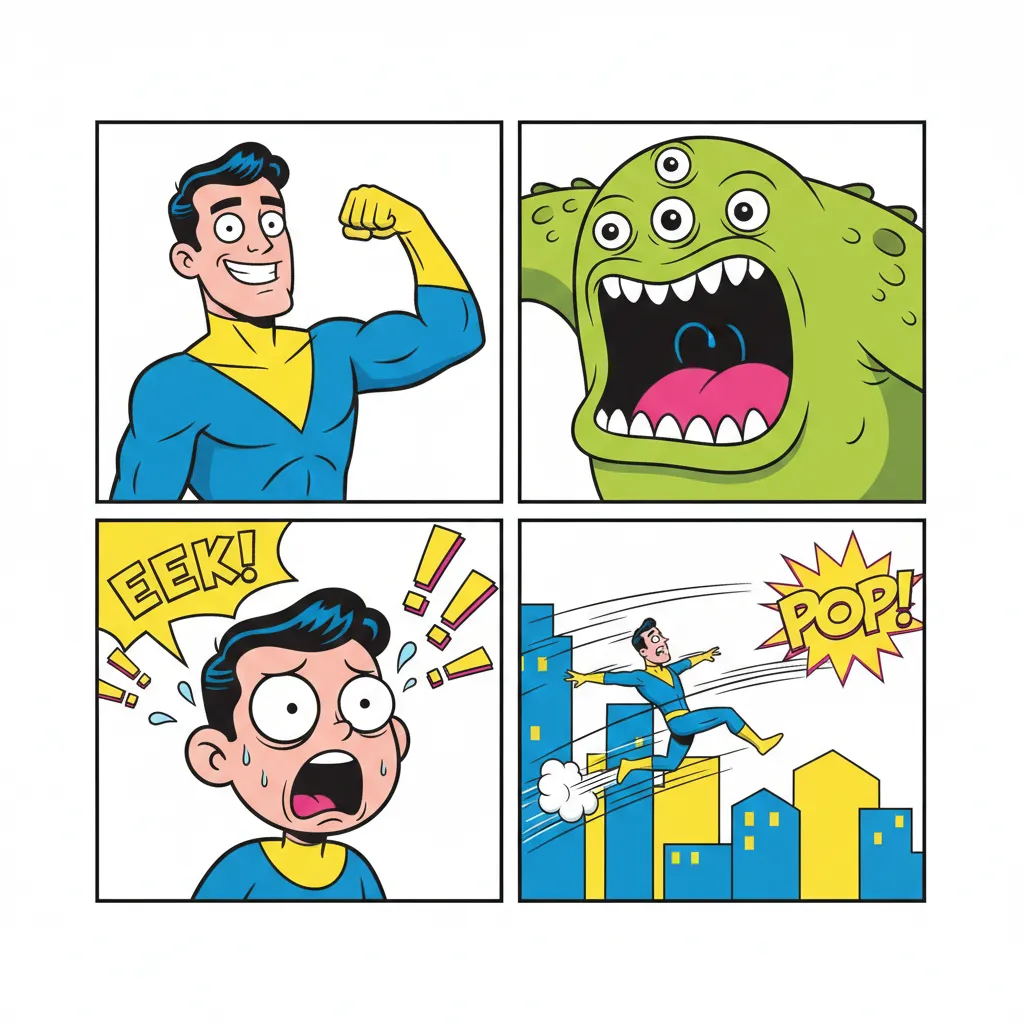
Comedy
Fun & expressive, bright colors, exaggerated features.
Try this style →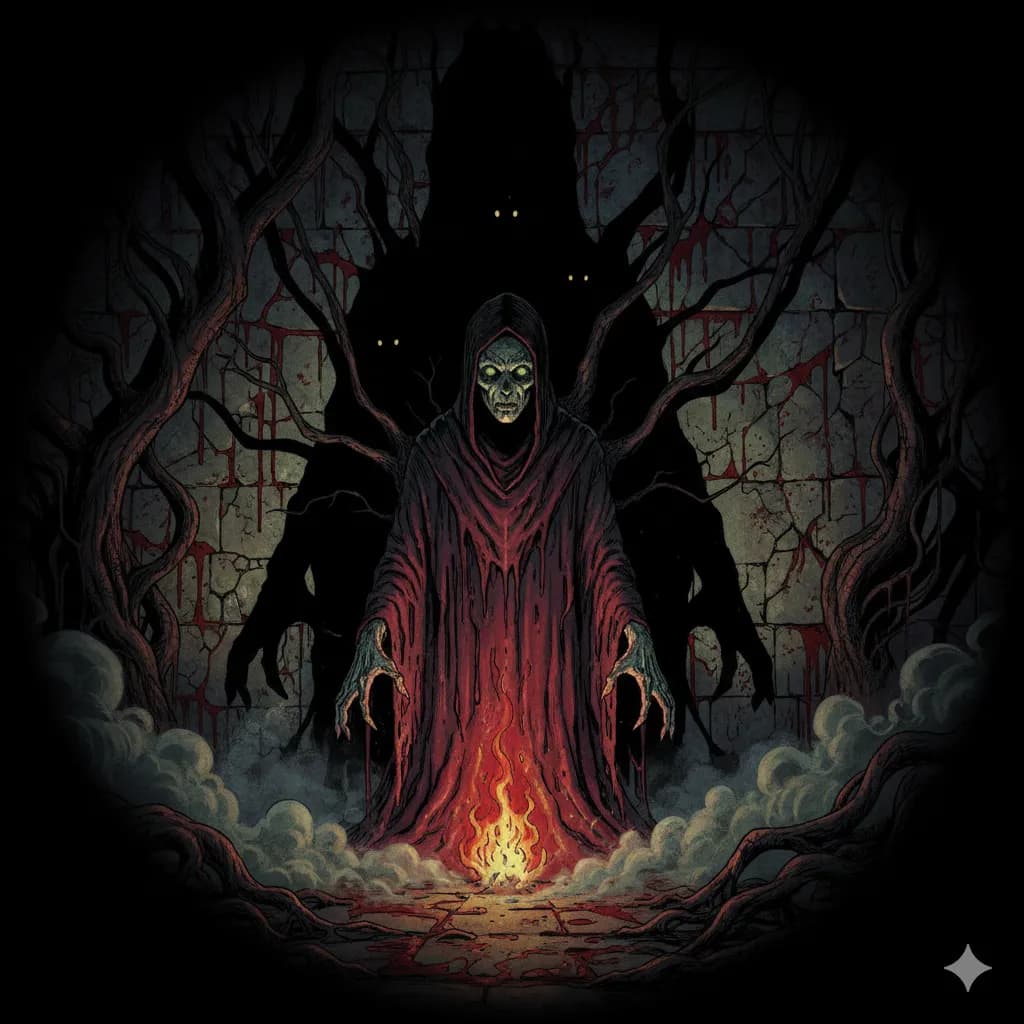
Horror
Dark shadows, eerie tones, spine-chilling imagery.
Try this style →Can I Sell What I Make?
COMICPAD grants commercial usage rights on paid plans. The harder question is U.S. copyright registration.
USCO Part 2 (January 29, 2025)
The U.S. Copyright Office holds that purely AI-generated output is not eligible for copyright registration without meaningful human authorship. Your script, panel arrangement, dialogue, and any edits you made to AI output establish copyright in the human-authored elements. The more you direct and edit, the more is yours.
Informational, not legal advice.
Don't Make a Spider-Man Comic Book
The #1 instinct on AI comic tools is putting yourself or someone into named IP. The litigation surface is real.
Disney + Universal v. Midjourney (June 11, 2025)
Case 2:25-cv-05275, Central District of California. Named in the complaint: Darth Vader, Elsa, Bart Simpson, Shrek, Minions, Spider-Man. In active discovery as of June 2026.
Practical: prompt original characters that take inspiration from a tradition — “caped detective in a dark city” rather than “Batman.” Applies to COMICPAD, Dashtoon, Midjourney, and every other tool. The risk is in the prompt, not the tool category.
Frequently Asked Questions
Do I need drawing skills to create a comic book?
How many pages can my comic book have?
Can I create a comic book in my language?
How long does it take to create a comic book?
Can I print my comic book?
Can I sell comics I create?
More 2026 Questions
How long does it take to create a comic book in 2026?
With AI: 3–6 minutes for a short or medium comic with COMICPAD or Dashtoon. The Custom tier (21–400 pages in one job) takes 30–45 minutes for a 400-page graphic novel. With traditional craft: 3–12 months solo for a 22-page issue. With Midjourney + Canva stack: 3–5 hours per 10-page comic for manual stitching. The honest range is 6 minutes (AI single comic) to 12 months (solo traditional production).
Can I create a comic book if I can't draw?
Yes. Three paths: dedicated AI comic generators (COMICPAD, Dashtoon) generate the art end-to-end from your text; template tools (Canva, Pixton) provide pre-made elements you assemble; commission an artist if you want hand-drawn work. No drawing skill is required for any of these. The differences are speed, output quality, and how much creative control you keep at each stage.
What's the difference between a comic book and a graphic novel?
A comic book is typically a 22-page single issue, often serialized — think Spider-Man #45. A graphic novel is a longer self-contained story, typically 60–500 pages, sold as a book — think Watchmen or Persepolis. They use the same visual language and many graphic novels are collected from prior single issues. COMICPAD's Custom tier (21–400 pages in one generation job) is built for the graphic-novel length specifically.
Can I copyright a comic book I created with AI?
The U.S. Copyright Office's Part 2 report (January 29, 2025) holds that purely AI-generated output is not eligible for copyright registration without meaningful human authorship. Your script, panel arrangement, dialogue, and any edits you made to the AI output establish copyright in the human-authored elements. Practical translation: the more you direct, write, and edit, the more is protectable. Pure prompt-and-publish is not registrable in isolation. This is informational, not legal advice.
Create your comic book today
No drawing skills. No experience needed. Just your imagination.
Start CreatingStarter $6.99/mo · trial then paid · commercial usage on paid plans · no credit card to browse