
AI Anime Generator: For Anime Stories, Not Just Single Images
By the COMICPAD Editorial Team — last reviewed
TL;DR
COMICPAD generates multi-panel anime comics — the same character across 4 to 400 panels, with story-beat structure and dialogue. Powered by Nano Banana Pro (Gemini 3 Pro Image, GA November 2026). Free trial: 10 panels, no credit card. Verdict: for one free anime image, Perchance is unbeatable; for anime art inside Creative Cloud, Adobe Firefly; for anime stories with a consistent cast, this is the tool.
Which kind of anime generator do you actually need?
“AI anime generator” covers five different jobs, and no single tool does all five well — including us. Here is the honest map, so you land on the right tool the first time:
| Your job | Best tool | Free option | COMICPAD fit |
|---|---|---|---|
| One anime image (avatar, OC art, wallpaper) | Perchance — free, unlimited, no login | Perchance, Canva free tier | Not our job — a comic tool is overkill for one image |
| Photo-to-anime (turn your selfie anime) | aianime.io, AnimeGenius filters | Most filter apps have free tiers | Partial — we accept photo references for characters, but the output is comic panels, not one stylized portrait |
| Anime comic (same character across panels, story, dialogue) | COMICPAD — this is the sequential slice nobody else on this list covers | COMICPAD free trial: 10 panels | Core job. 4-400 panels, up to 6 locked characters, story-beat structure |
| Anime prose story + standalone illustrations | NovelAI — storytelling models + image gen as separate features | Limited trial | Partial — our story generator writes beats, not long prose |
| Anime video / animation | A different product category — video-gen tools | Varies | Not our job — we generate comics, not animation. No tool on this SERP does real episode animation either |
Competitor capabilities verified against each vendor's public page, . We are best at exactly one row and say so.
Try it now
The sequential difference in one image: same character, four panels, one story beat.
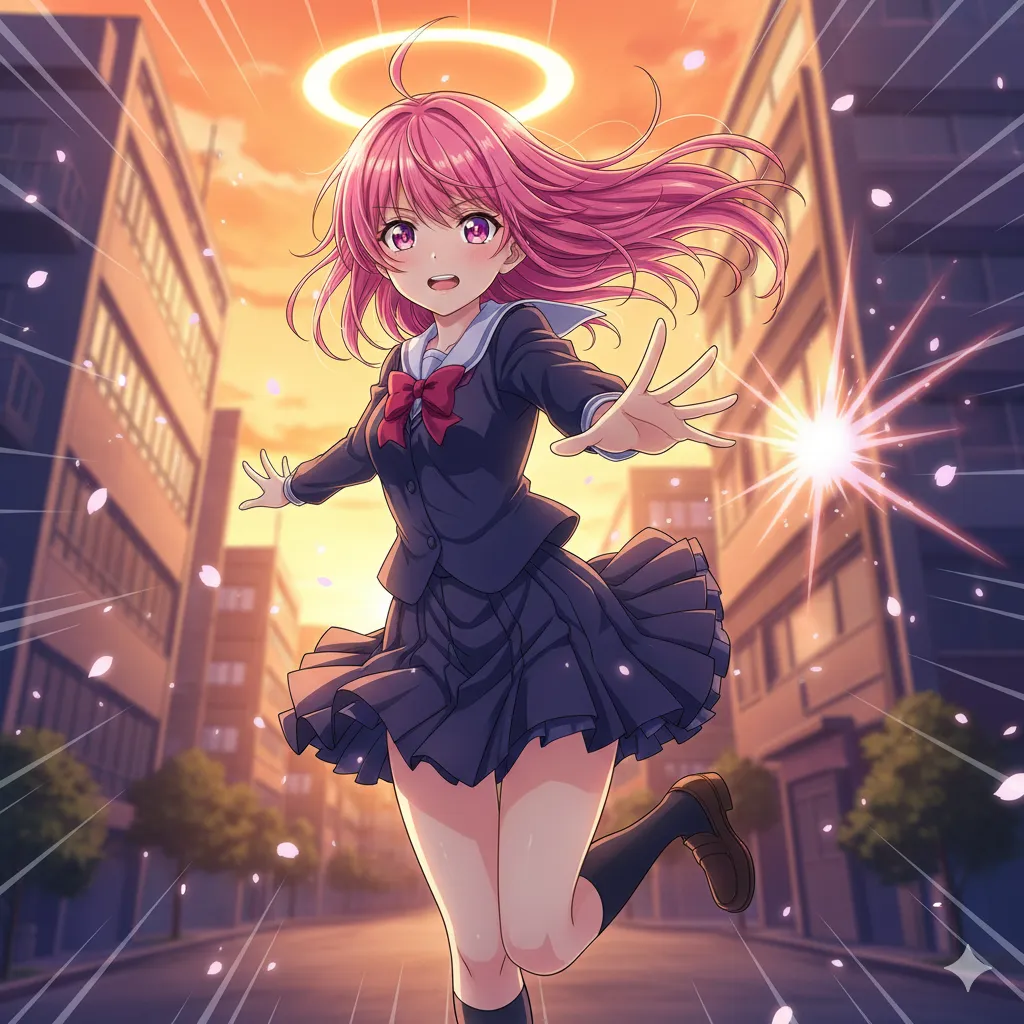
Generate the same prompt four times on a single-image tool and you get four different characters. That gap is the entire reason this tool exists.
How to generate an anime comic
Five steps, ~30 minutes to a finished 10-panel anime comic.
- 1
Sign up (free trial: 10 panels)
2-3 minCreate a free account. No credit card. 10 panels is enough for a Short anime comic (4 panels) plus regenerations, or a full 10-panel one-shot.
- 2
Pick the Anime style
1 minFull-color cel shading, expressive eyes, speed lines. For monochrome manga instead, pick Manga style; for Korean webtoon color, pick Manhwa. The style locks the whole comic.
- 3
Create your character (locked)
3-5 minUpload a reference photo or describe in text. COMICPAD stores a character fingerprint — facial structure, hair, outfit — and re-injects it on every panel. Up to 6 tracked characters.
- 4
Write the story brief — or let the generator write it
3-10 minWrite your plot in 3-5 sentences per act, or use the AI anime story generator to produce kishōtenketsu-structured beats from a one-line concept. Beats are editable text before anything is drawn.
- 5
Generate and refine
10-20 min for 10 panelsNano Banana Pro renders each panel with your locked character and Anime style. Regenerate individual panels — action poses and big-emotion close-ups usually deserve 2-3 attempts.
Step 4 shortcut: the AI anime story generator writes kishōtenketsu-structured beats from a one-line concept.
Character consistency — the thing single-image generators can't do
Every tool in the capability map above generates beautiful anime images. None of them can give you the same character twice. That is not a quality gap — it is an architectural one: single-image generators start fresh every generation.
COMICPAD stores a character fingerprint (facial structure, proportions, hair, outfit) when you create a character, and re-injects it into Nano Banana Pro on every panel. Faces and main outfits stay consistent across 20+ panels reliably; subtle accessories drift more. Up to 6 characters per project — enough for a full anime ensemble.
Full technique breakdown: AI character consistency guide and how to create consistent comic characters.
Anime style range — pick your era
“Anime style” spans four decades of distinct looks. Name the era in your prompt and Nano Banana Pro leans toward it:
| Era / mode | Look | Prompt keywords | Canonical anchor |
|---|---|---|---|
| Classic cel (1990s) | Soft cel shading, film-grain warmth, hand-painted background feel | 90s anime style, classic cel shading, retro film grain | Sailor Moon (Toei, 1992); Cowboy Bebop (Sunrise, 1998) |
| Late-90s dramatic | Harder shadow shapes, desaturated palettes, psychological framing | Evangelion-inspired, hard shadow, muted palette | Neon Genesis Evangelion (Gainax, 1995) |
| Modern digital | Clean gradients, saturated color, digital compositing glow | modern anime, digital glow, saturated cel shading | Demon Slayer (ufotable, 2019) |
| Chibi / comedy | Super-deformed proportions, flat bright color, exaggerated expression | chibi mode, super-deformed, comedy exaggeration | Standard comedy-cutaway convention since the 1980s |
Full aesthetic deep-dive — cel shading, screentones, speed lines, anime vs manga vs manhwa: Anime style guide.
Anime prompt patterns that work
Emotional close-up (modern digital)
Named character (locked) + named era look + specific emotion. Vague 'emotional anime girl' gets stock output; this gets a usable panel.
Action beat (speed lines)
Speed lines are anime's motion language. Low angle + diagonal composition sells urgency. Regenerate 2-3 times for the pose.
90s retro establishing shot
Era keywords + named canonical (Cowboy Bebop) pull the model toward the retro look reliably.
When to reach for another tool (honest)
- One free anime image, zero friction → Perchance. Free, unlimited, no login. For single images it is genuinely the best deal on the internet.
- Anime art inside a design workflow → Adobe Firefly if you pay for Creative Cloud, or Canva for social templates.
- Long prose stories + standalone anime illustrations → NovelAI.
- Single-image Midjourney-quality anime portraits → see our Midjourney anime guide (Niji 7 vs V8.1 routing).
- Anime comics with a consistent cast and story structure → COMICPAD. The one row of the capability map where we are the honest answer.
FAQ
Last reviewed:
Is COMICPAD free like Perchance?+
The trial is free — 10 panels, no credit card. Unlimited free like Perchance? No, and we will not pretend otherwise: Perchance is genuinely free and unbeatable for single images. Our paid tiers ($6.99/month Starter, $54.99/month Pro) exist because sequential generation with character consistency costs more compute than one-off images. If you only need single images, use Perchance.
Can I generate just one anime image?+
Technically yes — generate a 4-panel Short and use one panel. But honestly, that is the wrong tool for the job. Perchance, Canva, or Adobe Firefly do single anime images faster and cheaper. COMICPAD earns its cost when you need the same character across many panels.
Can I turn my photo into an anime character?+
Yes, as a character reference: upload a photo and COMICPAD converts it into an anime-interpreted character that stays consistent across your comic's panels. If you want one stylized selfie and nothing more, a photo-to-anime filter app is quicker.
How does character consistency actually work?+
When you create a character, COMICPAD stores a fingerprint — facial structure, proportions, hair, outfit — and passes it to Nano Banana Pro on every panel generation. Faces and main outfits stay consistent across 20+ panels reliably. Subtle details (hair-tie position, small accessories) drift more. Up to 6 characters can be tracked per project.
Anime output vs manga output — what is the difference?+
Anime style is full-color cel shading, like a screenshot from a show. Manga style is black-and-white ink with screentones, like a printed manga page. Same story works in both; pick based on your reference material. Both are style presets on the same tool.
What is the difference between this page and /styles/anime?+
This page is the tool overview — what the generator does, how it compares to the rest of the category, how to use it. The Anime style page is the aesthetic deep-dive — cel shading conventions, screentone language, anime vs manga vs manhwa disambiguation, prompt craft. Tool here, craft there.
Can I use the generated anime comics commercially?+
Yes — panels you generate are yours to use, including commercially, per our terms. One important caveat: do not generate characters that copy existing copyrighted anime characters (Naruto, Luffy, Gojo) for commercial work — publishers enforce their IP. Original characters are safe.
Make your anime story — with a cast that stays consistent
Free trial: 10 panels. No credit card required.
Start free