
Text to Comic Generator
Type your story and AI turns it into a full comic book. Characters, panels, artwork, and dialogue — all generated from your text in minutes.
No artistic skills required
In one paragraph
“Text to comic” means two different jobs. (1) A one-line prompt → a few comic panels. (2) A 500–3,000-word manuscript → a full multi-page comic with consistent characters. The first is what Perchance and the hosted AI Comic Factory do. The second is what COMICPAD and Dashtoon do. Diffusion models accept ~75–200 tokens of effective prompt conditioning — they don't actually read your novel. Tools that claim to “convert your novel” either decompose it into beats with an LLM first, or rely on a human pipeline. COMICPAD is the LLM-decomposition path. Updated June 18, 2026.
What's New in 2026
Five updates worth knowing if you're picking a text-to-comic tool right now.
- → Midjourney V8.1 became the default model on June 11, 2026. Sharper photoreal panels and better prompt adherence — relevant if you generate individual panels in Midjourney and assemble the comic in another tool.
- → Niji 7 launched January 9, 2026 via the Spellbrush x Midjourney collaboration. Dedicated anime/manga branch — useful if your text-to-comic style is manga.
- → AI Comic Factory's GitHub repository was archived October 31, 2025. The hosted Space at aicomicfactory.com still runs, but the open-source side is frozen — community pull requests are no longer accepted.
- → Dashtoon (Dashverse) raised a $13M Series A from Peak XV in August 2025, funding their publishing platform and custom-model training.
- → U.S. Copyright Office Part 2 report (January 29, 2025) set the human-authorship rule for AI output — directly relevant if you're a writer planning to publish or sell.
How to Turn Text into a Comic
Write your story. AI handles everything else.
Describe Your Characters
Type what your characters look like and their roles in the story. AI generates character images from your text descriptions.
- ✓Write: 'A tall detective with a trench coat'
- ✓AI generates a consistent character image
- ✓Characters stay consistent across all pages
Write Your Story
Type your story idea — a few sentences is enough. AI breaks it into scenes, writes dialogue, and plans the comic layout.
- ✓One-liner or full paragraph — both work
- ✓AI writes the script, narration, and speech bubbles
- ✓Set the tone: epic, funny, mysterious, romantic
Choose Your Style
Pick from 8 art styles. The style transforms your text into a completely different visual experience.
- ✓Manga, Superhero, Sci-Fi, Horror, and 5 more
- ✓Each style changes colors, linework, and mood
- ✓Preview style before generating
AI Generates Your Comic
AI draws every panel, adds text and speech bubbles, and assembles your full comic book. Export as HD PDF.
- ✓Full comic ready in 3-5 minutes
- ✓Up to 20 pages per comic
- ✓HD PDF export
What You Can Create
From a single sentence to a full comic book — the AI adapts to your input.
Input
Short prompt"A lonely astronaut finds a glowing signal on a dead planet"
Result
8-page sci-fi adventure with alien ruins and a discovery twist
Sci-Fi styleInput
Pasted story (flash fiction)500-word flash fiction pasted as story_details — a detective chases her own missing-person poster through neon streets, discovering the corporate conspiracy that copied her face.
Result
10-page neo-noir comic with character consistency across all panels
Noir styleInput
Short prompt"A kid discovers their teacher is a secret superhero"
Result
10-page superhero story with school setting and cape chases
Superhero styleInput
Pasted scene (novel excerpt)Scene from a novel chapter — "The kitchen battle" — 1,200 words pasted with character descriptions. Two rival chefs, an underground tournament, escalating dish complexity.
Result
6-page comedy comic with dramatic food close-ups and consistent character costumes
Comedy styleEvery Style. One Prompt.
Type the same story and see how it transforms across 8 art styles.
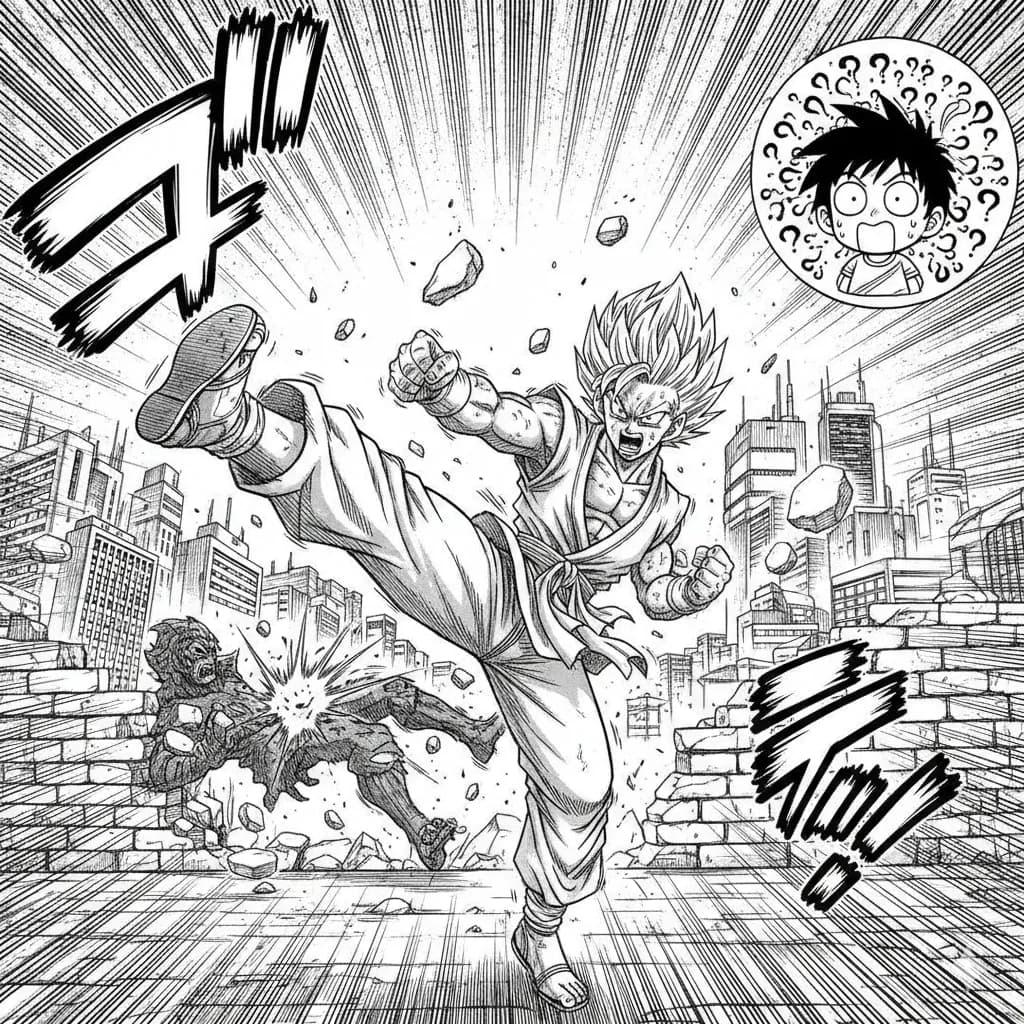
Manga
Classic Japanese manga with screentones and ink work.
Try this style →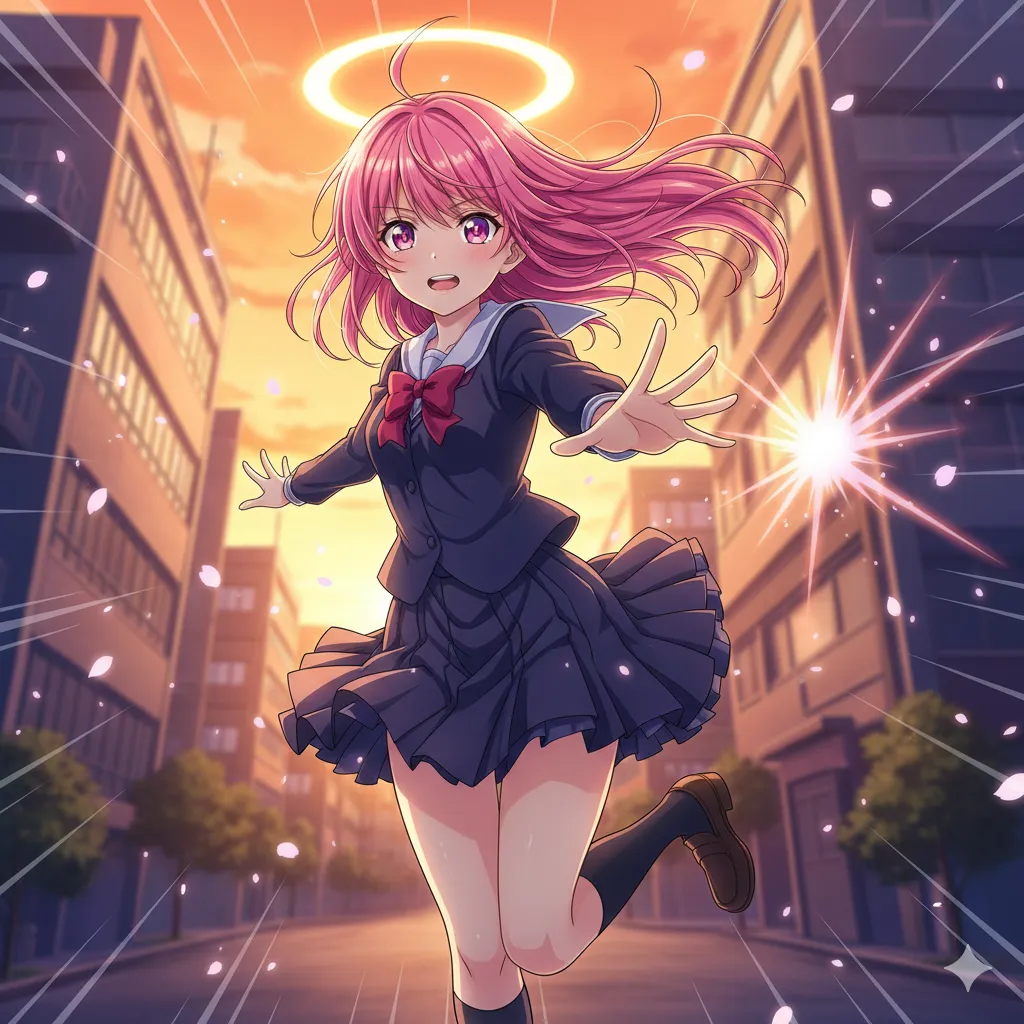
Anime
Vibrant cel-shaded art, expressive eyes, dynamic poses.
Try this style →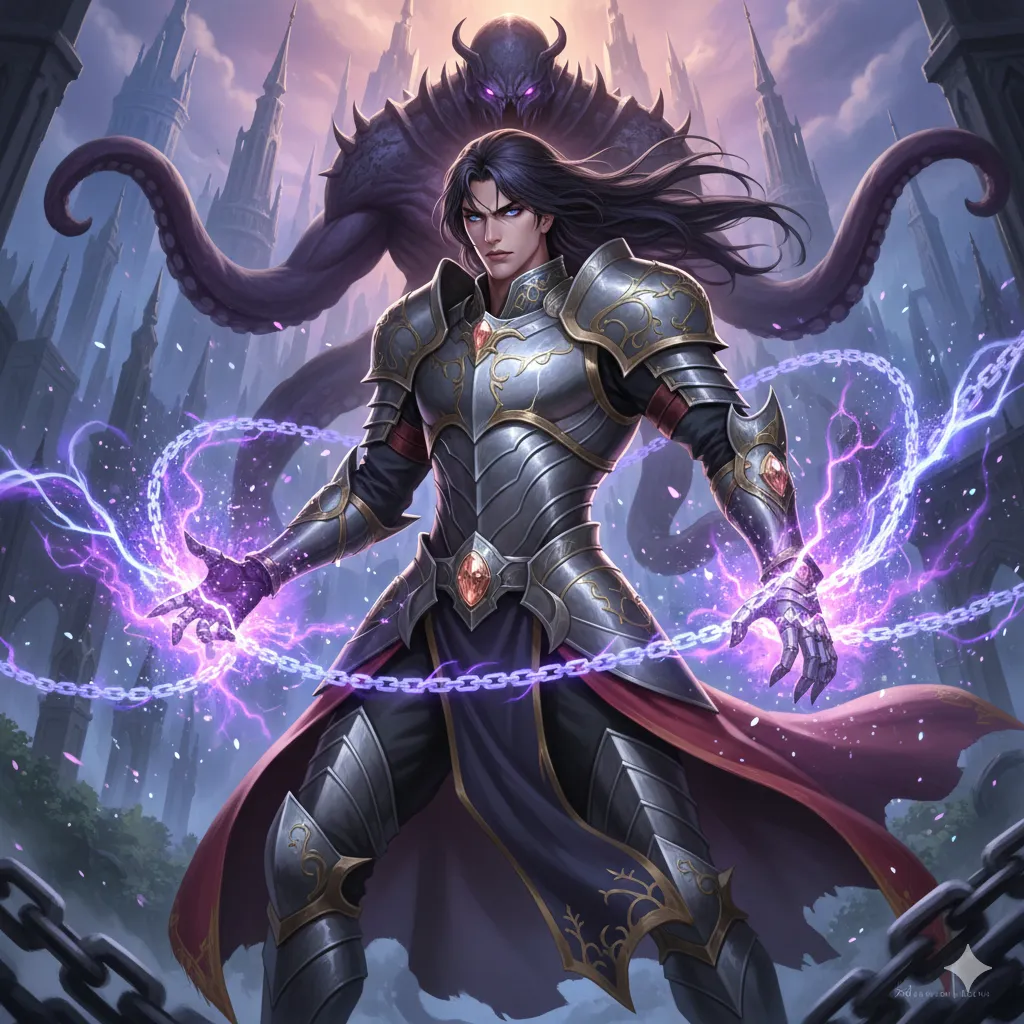
Manhwa
Korean webtoon style, full color, vertical flow.
Try this style →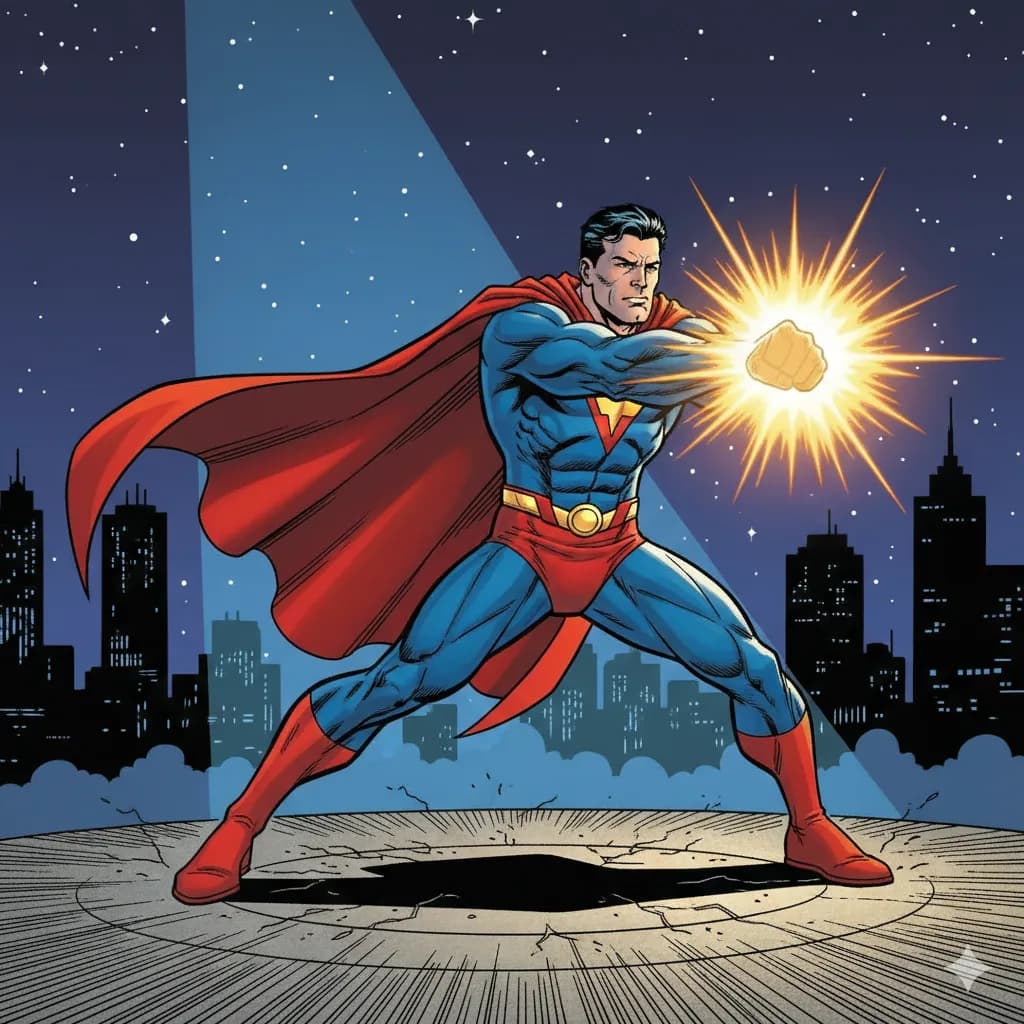
Superhero
Bold lines, vibrant colors, superhero aesthetics.
Try this style →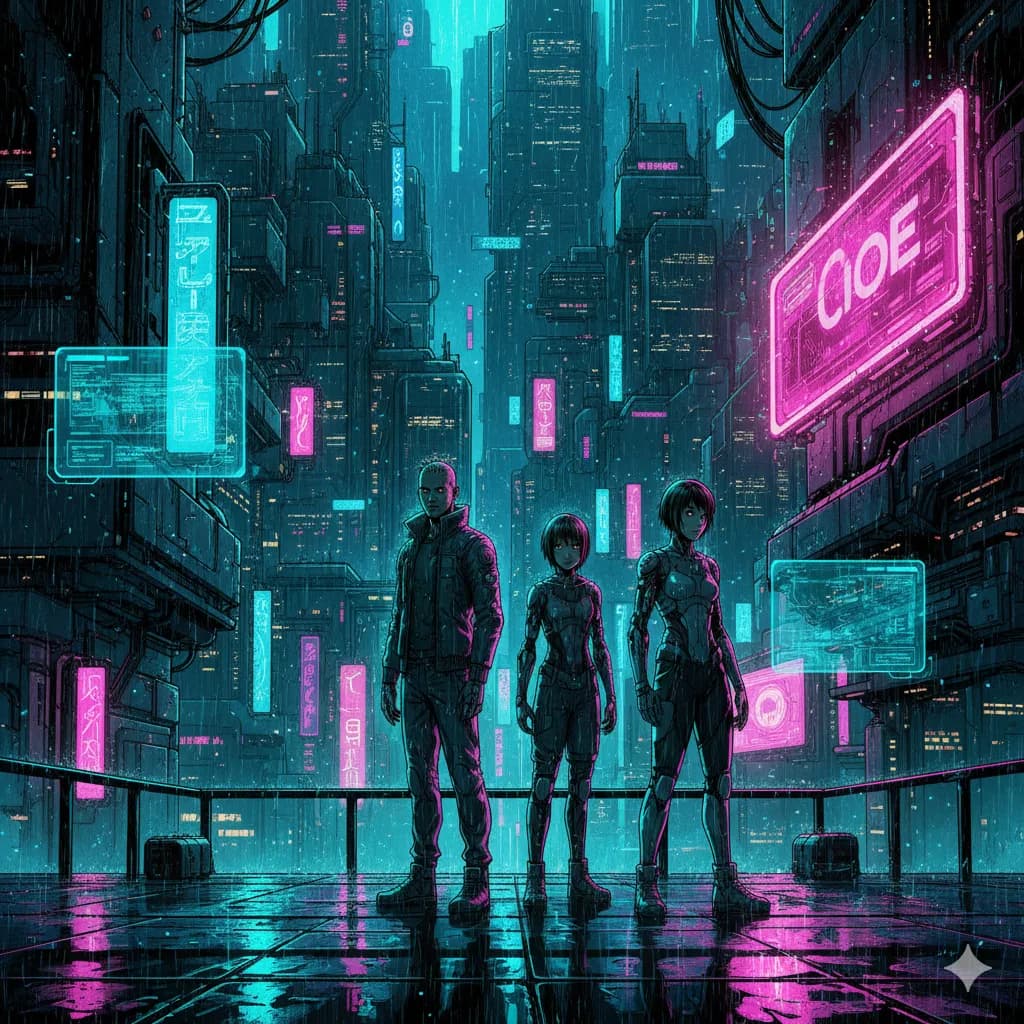
Sci-Fi
Futuristic settings, neon accents, tech-driven world.
Try this style →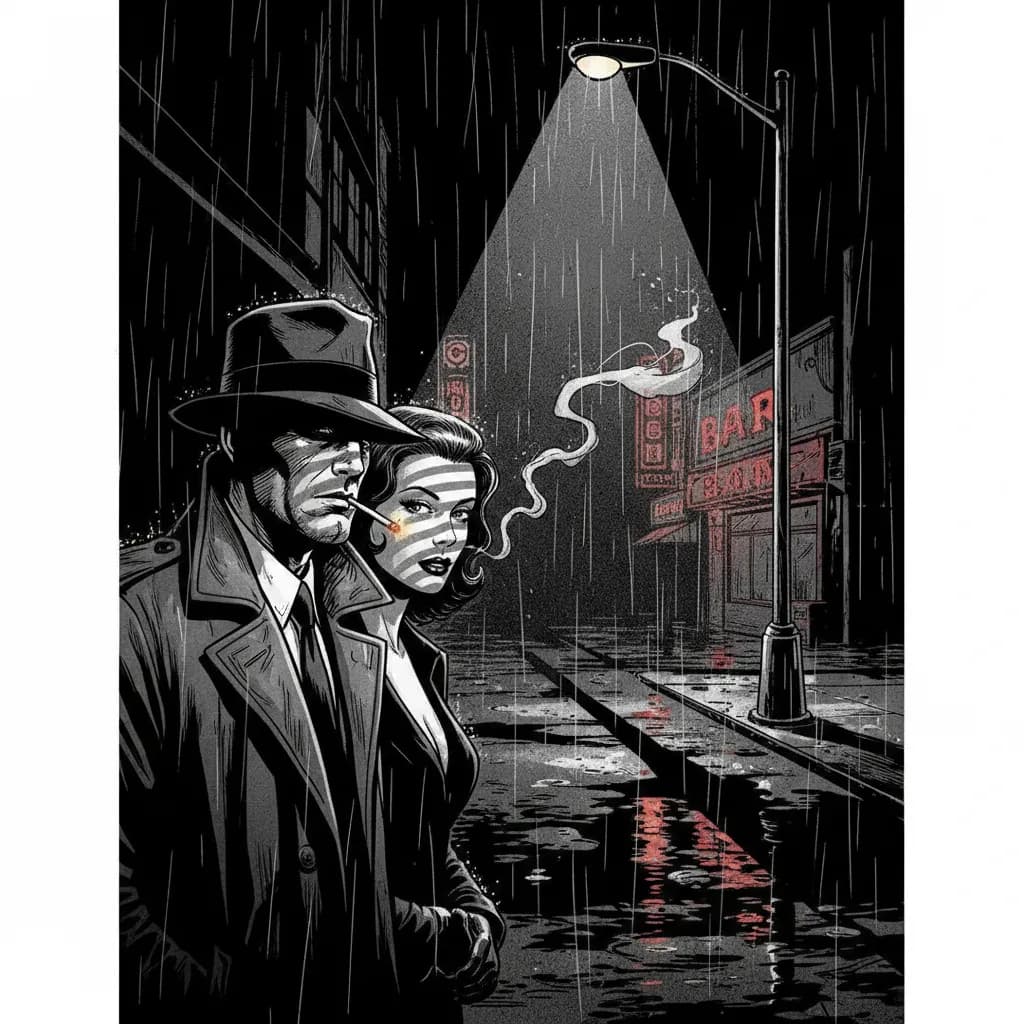
Noir
High contrast, dark moody tones, detective atmosphere.
Try this style →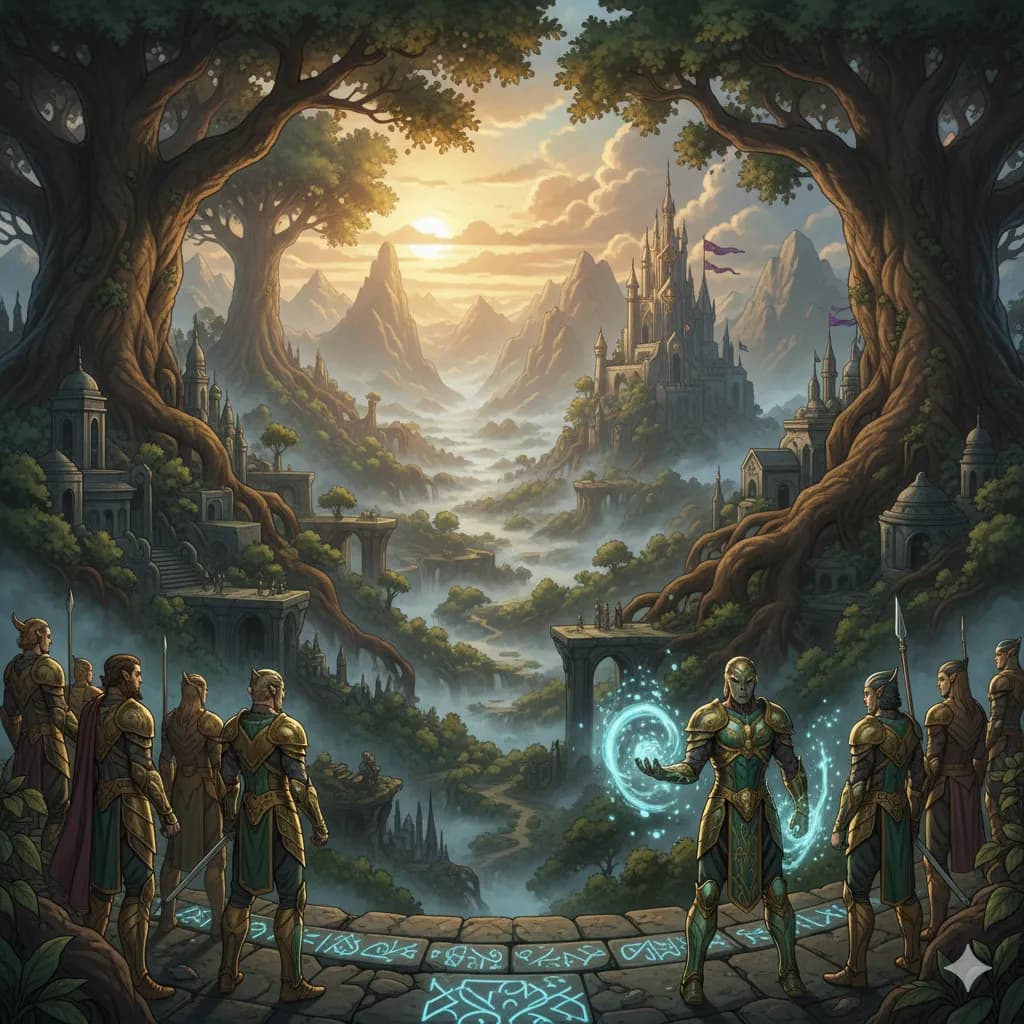
Fantasy
Epic landscapes, magical creatures, enchanted realms.
Try this style →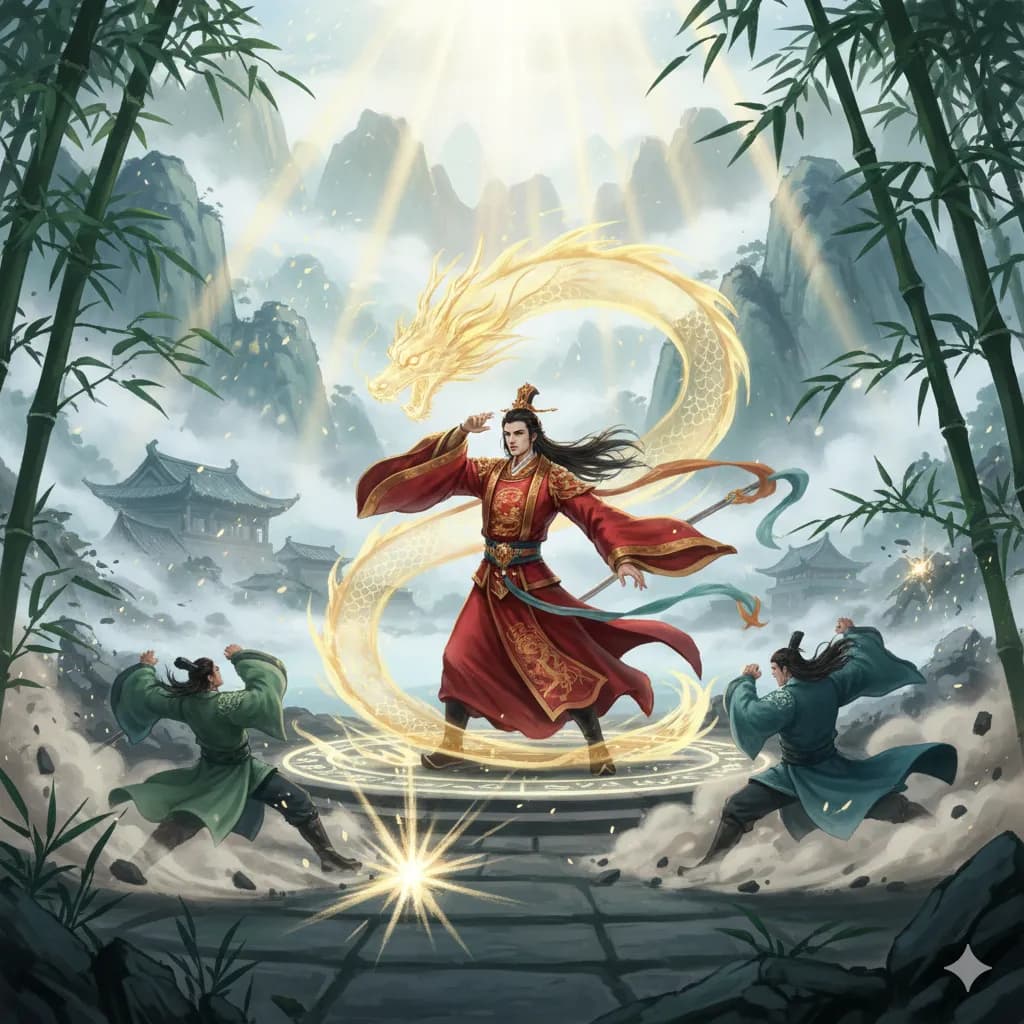
Manhua
Chinese comic style, rich colors, martial arts themes.
Try this style →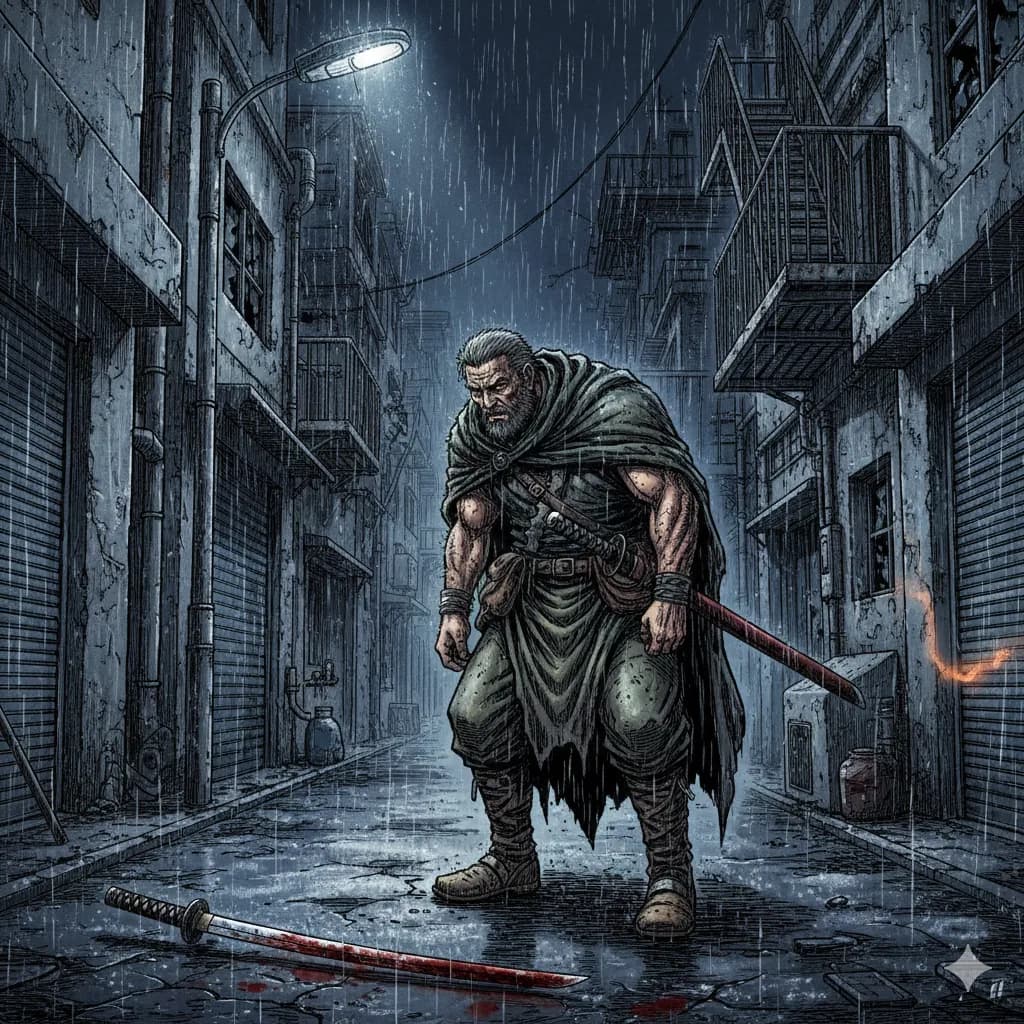
Seinen
Mature manga, detailed art, complex narratives.
Try this style →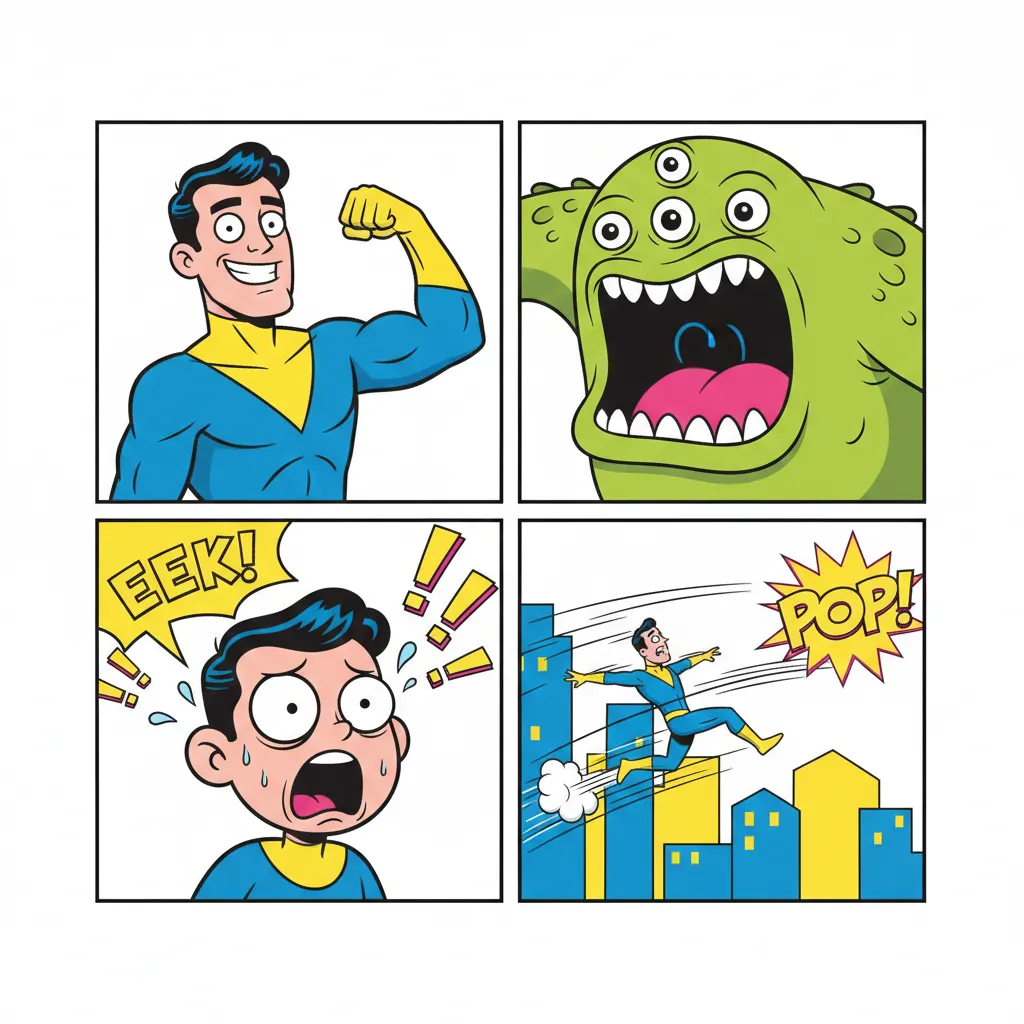
Comedy
Fun & expressive, bright colors, exaggerated features.
Try this style →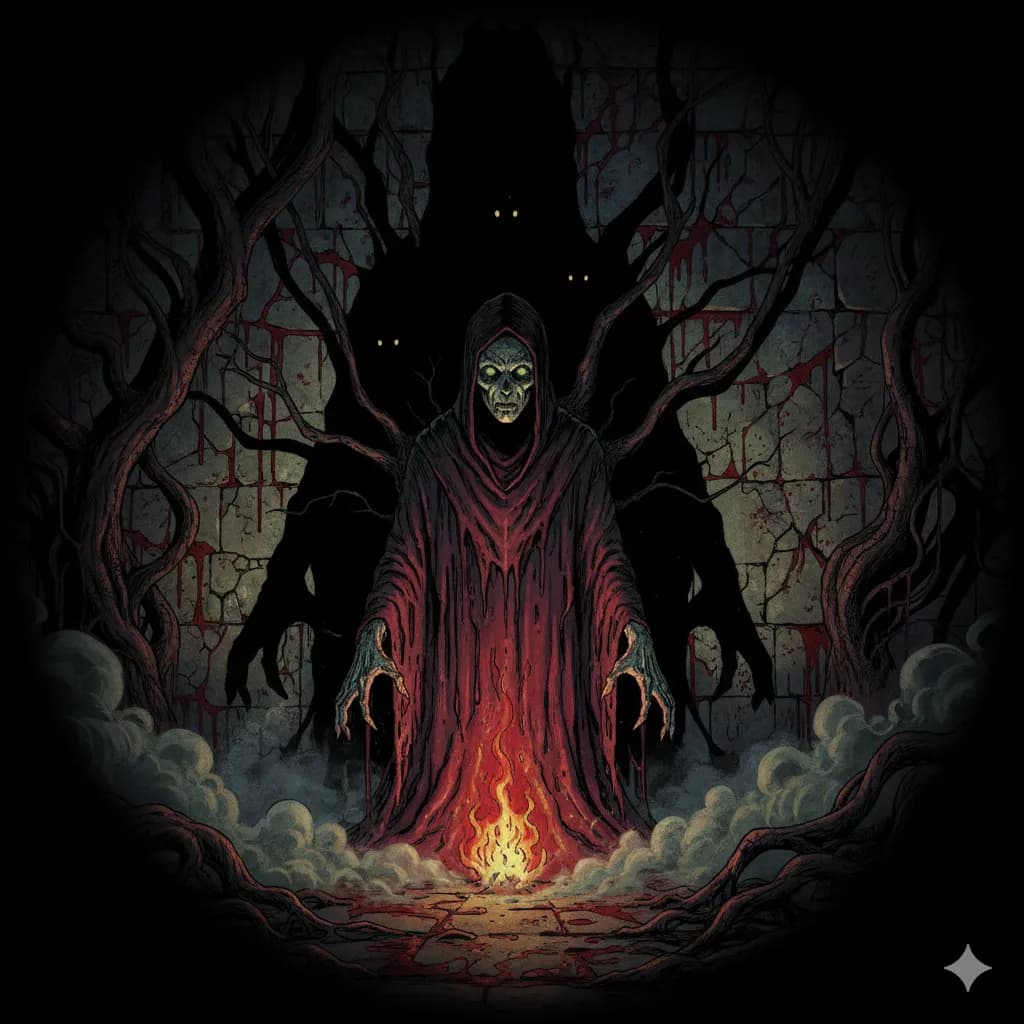
Horror
Dark shadows, eerie tones, spine-chilling imagery.
Try this style →How COMICPAD Compares
| Feature | COMICPAD | Perchance | AI Comic Factory | Canva | Adobe Firefly | Dashtoon |
|---|---|---|---|---|---|---|
| Generates full comic | ✓ | 1 panel | 1 panel | Manual | 1 panel | ✓ |
| Writes dialogue | ✓ | ✕ | ✓ | ✕ | ✕ | ✓ |
| Draws the art | ✓ | ✓ | ✓ | Template | ✓ | ✓ |
| Character consistency | ✓ | ✕ | ✕ | Manual | Manual | ✓ |
| Long text input (paste a story) | ✓ | ✕ | ✕ | ✕ | ✕ | Script only |
| Up to 20+ pages | ✓ | ✕ | ✕ | Manual | ✕ | ✓ |
| Custom characters from photo | ✓ | ✕ | ✕ | ✕ | ✕ | ✓ |
| Free tier | ✓ | 100% free | 100% free | Limited | Credits | Trial |
| No signup | ✕ | ✓ | ✓ | ✕ | ✕ | ✕ |
| PDF / CBZ / ZIP export | ✓ | ✕ | ✕ | ✓ | ✕ | ✕ |
Have a Story Already Written? Here's How to Convert It
Most “AI comic generator from text” tools quietly mislead users about how this actually works. The honest truth: AI doesn't read your novel. It reads beats.
Diffusion models (the technology behind every AI image tool) accept short prompts — typically 75 to 200 tokens of effective conditioning. They do not parse a 3,000-word manuscript and decide how to draw it. Tools that claim to “convert your novel to a comic” do one of three things under the hood:
- Scene-by-scene LLM prompting. A language model (Claude, GPT, Gemini) decomposes your long text into discrete narrative beats, then each beat becomes a single image-generation prompt. COMICPAD works this way — your story is broken into ~10 beats, and each beat is rendered with character consistency.
- Pre-formatted script input. Dashtoon's “Script-to-Comic” mode requires you to paste a script already broken into panels with shot descriptions. It's not reading prose; you're doing the panel decomposition for it.
- Human service disguised as AI. Dashtoon's Authors Program is a multi-month human adaptation pipeline — professional writers and artists adapt your novel manually, with AI assist in the loop. The flavor of “AI” in the marketing is doing a lot of work; the production timeline is human-paced.
What this means for you: if you have a written story, paste it into the story_details field on COMICPAD. Our backend LLM extracts beats from your prose, then generates each panel against those beats with character consistency from your uploaded photos or descriptions. You don't need to format anything — paste 500 to 3,000 words and the system handles decomposition.
What works well from long-text input: clear narrative arcs, distinct named characters, action-driven scenes, dialogue exchanges with clear speakers.
What works poorly: introspective passages with no visual action, abstract dialogue without scene grounding, rapid-fire scene shifts within a single paragraph, third-person omniscient narration that jumps perspectives.
Practical tip: if you have a novel chapter, trim it to a single scene of ~1,500 words. The result will be cleaner than dumping the full chapter. Need just a comic strip rather than a full-page comic? See our comic strip maker for the 3-panel newspaper-style format.
100% Free Options vs. Free Trials — The Honest Breakdown
Most listicles blur three very different categories under one “free” label. Here's what each actually means.
100% Free, No Signup
Genuinely free. No account required. No watermark. Trade-off: typically lower image quality and limited control.
- • Perchance AI Comic Generator — single-prompt, older model quality, unlimited generations; still actively maintained as of June 2026.
- • AI Comic Factory (Hugging Face Space) — hosted demo still runs; the open-source GitHub repository was archived October 31, 2025 (community pull requests no longer accepted). Use as a try-it-out, not as a workflow.
Free Tier with Signup
Free credits to start, but you create an account. After credits run out, you choose between waiting for refresh or upgrading. No watermarks if you pay.
- • COMICPAD — free credits at signup, character consistency, multi-page comics with PDF/CBZ/ZIP export
- • Canva — limited free generations, watermark on free exports, polished UI
- • Adobe Firefly — free credits, requires Adobe ID, ecosystem integration
Free Trial, Then Paid
A short trial period or a limited number of generations, after which the product expects payment. Often marketed as “free” in SERP snippets but is functionally paid.
- • Dashtoon Studio — 100 images/day free tier (Dashtoon-exclusive publishing), strongest character consistency in our benchmark, paid arrangements for multi-platform distribution; backed by a $13M Series A from Peak XV (August 2025).
- • ComicInk — book-to-comic claims, paid for the actually-useful tier.
Honest reader takeaway: if you want pure free with no friction, Perchance and AI Comic Factory work and you should use them. If you want character consistency across multiple pages and willing to make an account, COMICPAD's free tier handles that. If you're prototyping for production, the trial tiers (Dashtoon, LlamaGen) will eventually want payment — budget accordingly.
Frequently Asked Questions
What is a text to comic generator?
How much text do I need to write?
Can I convert a long story into a comic?
Does the AI write the dialogue too?
Can I turn a fan fiction or story into a comic?
What languages can I generate comics in?
How is this different from just using ChatGPT?
Can I edit the text after the comic is generated?
For Writers: Privacy and Copyright
Two questions writers ask every time before pasting unpublished work into an AI tool.
What happens to the story text I paste?↓
Your pasted story is used to generate the comic and stored in your account so you can re-render it without re-typing. It is not sold, not shared with third parties for marketing, and not used to train external models. You retain ownership of any copyright in your original manuscript — pasting it does not transfer rights, only grants the tool a limited license to process it. You can delete your story from your account at any time. If you'd rather not paste long-form text at all, the prompt-driven path works — a single sentence is enough to start.
Can I copyright an AI-generated comic made from my text?↓
The U.S. Copyright Office's Part 2 report (January 29, 2025) holds that purely AI-generated output is not eligible for copyright registration without meaningful human authorship. The dialogue you wrote, the panel arrangement you chose, the prose you pasted from your own manuscript, and any edits you made to the AI output are protectable. The raw AI panels in isolation are not. Practical translation: the more you direct, edit, and arrange, the more is yours. This is informational, not legal advice — for commercial publishing at scale, consult a lawyer.
Related reading
- → Best AI Comic Generators 2026 — 10 tools ranked with methodology and primary-source citations.
- → AI Comic Generator — the broader category overview, including legal and ownership guidance.
- → AI character consistency — why faces hold across panels in some tools and drift in others.
- → Comic strip maker — the 3-panel newspaper-style format.
- → Personalized Comics Buyer's Guide — three-path comparison for gifts (artist commission, AI tool, DIY).
- → AI Manga Generator (2026) — if your text-to-comic target is manga: Niji 7, NovelAI V4.5, sub-style fit.
- → Midjourney for Comics in 2026 — V8.1 + Niji 7 honest take and cost-of-stack comparison.
Last reviewed: June 18, 2026. Primary citations: Midjourney V8.1 release notes (updates.midjourney.com, June 11, 2026); Niji 7 launch (nijijourney.com/blog/niji-7, January 9, 2026); AI Comic Factory GitHub repo archive (jbilcke-hf/ai-comic-factory activity, October 31, 2025); Dashverse $13M Series A led by Peak XV (Crunchbase / TechCrunch, August 2025); U.S. Copyright Office, “Copyright and Artificial Intelligence, Part 2: Copyrightability” (January 29, 2025); Perchance status verified at perchance.org (June 18, 2026).
Turn your story into a comic
Type your idea. AI draws the rest. Your first comic is free.
Start for FreeNo credit card required — 30+ languages supported