
AI Webtoon Maker
Create webtoon-style comics with AI. Generate vertical scroll comics ready for WEBTOON, Tapas, and GlobalComix.
Export-ready webtoon format
In one paragraph
An AI webtoon maker generates a full vertical-scroll comic — story, character, art, panels, dialogue — sized for WEBTOON CANVAS (800×1280 baseline), Tapas, or GlobalComix. It is not the same as WEBTOON CANVAS Studio, which is the platform's native manual authoring tool. COMICPAD writes the story, draws each panel with a consistent character, and exports for vertical scroll. COMICPAD is one tool in this category; our own benchmark ranks us #2 of 10 behind Dashtoon — see the full comparison.
What's New for Webtoon Creators in 2026
Five updates worth knowing — verified on June 18, 2026. Most listicles still describe the pre-March 2026 WEBTOON program.
- → WEBTOON CANVAS unified internationally on March 26, 2026. Seven regional CANVAS sites consolidated (English, Spanish, French, Indonesian, Thai, Traditional Chinese, German). An AI-assisted Translation Program (beta) rolls out to eligible English-language CANVAS creators. Minimum payout dropped to $25, Reward Ads access expanded, Creator Residency Program announced as part of a $47M creator-ecosystem investment for 2026.
- → South Korea's AI Basic Act took effect January 22, 2026. Disclosure obligations for generative AI content distributed commercially in Korea, with a one-year grace period on penalties. Non-visible machine-readable watermarks are permitted for webtoon/animation work.
- → Niji 7 launched January 9, 2026 via the Spellbrush x Midjourney collaboration. Dedicated anime/manga branch with character references — useful if you generate panels in Midjourney and import them for vertical-scroll assembly.
- → Midjourney V8.1 became the default model on June 11, 2026. Sharper photoreal output and stronger prompt adherence for any panels you bring in from Midjourney.
- → Dashtoon (Dashverse) raised a $13M Series A from Peak XV in August 2025. The funding is behind their publishing-platform buildout and the custom-model training that gives Dashtoon the strongest character consistency in our benchmark.
Vertical Scroll vs Page-Based — Why Webtoons Are Different
A webtoon is a long, continuous vertical strip you scroll on a phone — typically one tall image (or a stacked sequence) per episode. A traditional comic is a stack of fixed-aspect pages you turn through. The difference is more than a layout choice — it changes how pacing works, how dialogue is timed, and how panels “land.”
Practical implication: a tool built for page comics often produces something you then have to re-flow vertically. A tool built for vertical scroll already paces dialogue and panel size for thumb-scroll consumption. If you're publishing on CANVAS or Tapas, pick a vertical-scroll-native tool. If you want both formats, you need a tool that exports each cleanly. For the full format reference, see our webtoon workflow guide.
How to Create a Webtoon with AI
From idea to finished webtoon in minutes.
Create Characters
Describe your characters in detail. AI generates manga/webtoon-style character designs.
Write Your Episode
Describe your story. AI generates webtoon-style panels with dialogue and narration.
Choose Your Style
Pick an art style that matches your webtoon genre — romance, action, fantasy, horror, and more.
Export & Download
Download as images ready for webtoon platforms. Compatible with WEBTOON, Tapas, and GlobalComix formats.
Export Specs by Platform
The numbers that matter when you actually upload. Verify against each platform's current help docs on the day of upload — limits do shift.
| Platform | Width | Height | DPI | Format | Max size | Note |
|---|---|---|---|---|---|---|
| WEBTOON CANVAS | 800 px | 1280 px or taller (episode-length) | 72 | JPEG / PNG | 2 MB per image | Work at 1600×2560 then downsample for crisp output. |
| Tapas | Up to 940 px wide | Episode-length | 72 | JPEG / PNG / GIF | 20 MB per file | Wider canvas than CANVAS; check Tapas help docs for current limits. |
| GlobalComix | 1280–2160 px wide (page or webtoon) | Episode-length for webtoon mode | 72–300 (300 recommended for print on-demand) | JPEG / PNG / PDF | Varies by plan | Supports both page-comic and vertical-scroll uploads. |
CANVAS spec verified against WEBTOON help docs and creator guides (June 18, 2026). Tapas + GlobalComix figures verified against each platform's creator portal on the same date.
AI Webtoon Maker vs CANVAS Studio vs Clip Studio vs Dashtoon
The four routes to making a webtoon in 2026, with the honest trade-off for each.
| Tool | AI generates | CANVAS-ready | Publishing | Price | Best for |
|---|---|---|---|---|---|
| COMICPAD | Yes — story + character + panels | Export ready | External — WEBTOON, Tapas, GlobalComix, your site | Free trial; paid from $6.99/mo | Generate a publishable vertical-scroll fast |
| Dashtoon | Yes — strongest consistency | Webtoon-first | Dashtoon Reader (free tier exclusive) | Free 100 imgs/day; paid pricing not public | Serious webtoon creators in Dashtoon's ecosystem |
| WEBTOON CANVAS Studio (native) | No — manual authoring + asset library | Native | WEBTOON CANVAS direct | Free | Drawing your own webtoon directly on the platform |
| Clip Studio Paint | No — pro drawing tool | Manual setup, full control | Export to any platform | $23 one-time (Debut) to ongoing subs | Artists who already draw and want pro tooling |
Editorial honesty: our own benchmark ranks Dashtoon #1 and COMICPAD #2 on overall AI comic capability — see the full 2026 ranking.
AI Disclosure on CANVAS in 2026 — What Is and Isn't Required
Three things to know if you're publishing AI-assisted work and want to stay on the right side of platform rules and copyright law.
WEBTOON CANVAS, as of June 2026
WEBTOON has not announced a platform-wide AI ban on CANVAS. The 2025 Webcomic Legends contest banned generative AI in submissions, but that was contest-scoped. Follow WEBTOON's current creator-program guidelines on the day you publish — they can change.
South Korea AI Basic Act (effective January 22, 2026)
Requires disclosure of generative AI content distributed commercially in Korea. Non-visible machine-readable watermarks are permitted for webtoon and animation work, which eases the UX impact. First-year enforcement is guidance-only — a soft grace period. If your series will reach Korean readers, plan to label.
U.S. Copyright Office Part 2 (January 29, 2025)
Purely AI-generated output is not eligible for copyright registration. Meaningful human authorship — selection, arrangement, dialogue you wrote, edits you made — establishes copyright in the human-authored elements. For a webtoon, the panel arrangement, the dialogue, and any edits to AI outputs are yours. The raw AI outputs in isolation are not.
This is informational and not legal advice. If you're publishing at scale or monetizing, consult a lawyer in your jurisdiction.
What You Can Actually Earn on WEBTOON
The 2026 program is more creator-friendly than it was, but the realistic median is still low. Here's what the numbers look like and where the money actually is.
- → Minimum payout: $25. The March 2026 unification lowered the floor — useful if you're early in monetization.
- → Reward Ads program. Expanded access for CANVAS creators in 2026. Revenue share figures depend on impressions; check WEBTOON's creator portal for current rates.
- → Creator Residency Program. New in 2026 as part of a $47M creator-ecosystem investment. Selection-based, not open enrollment.
- → Patron program. Direct fan support; more lucrative than CANVAS ads for series with engaged audiences.
- → Originals. Where the meaningful money is — but selection-based and competitive. CANVAS is the path to building the audience that platforms then promote.
- → Honest framing. Most CANVAS creators earn little to nothing. Originals and Patron creators earn meaningfully. Treat CANVAS as audience-building, not income.
For the deeper creator-pathway view, see webtoon creator in 2026.
11 Unique Art Styles
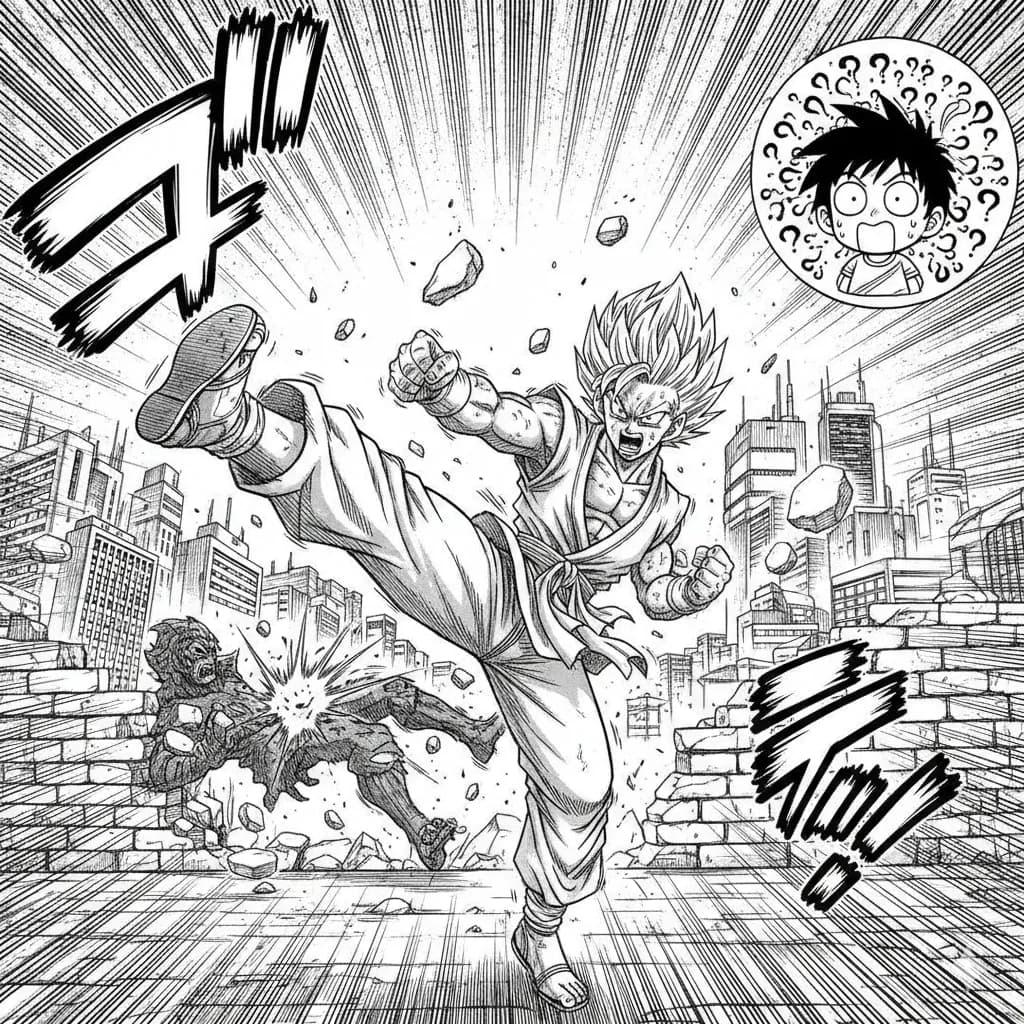
Manga
Classic Japanese manga with screentones and ink work.
Try this style →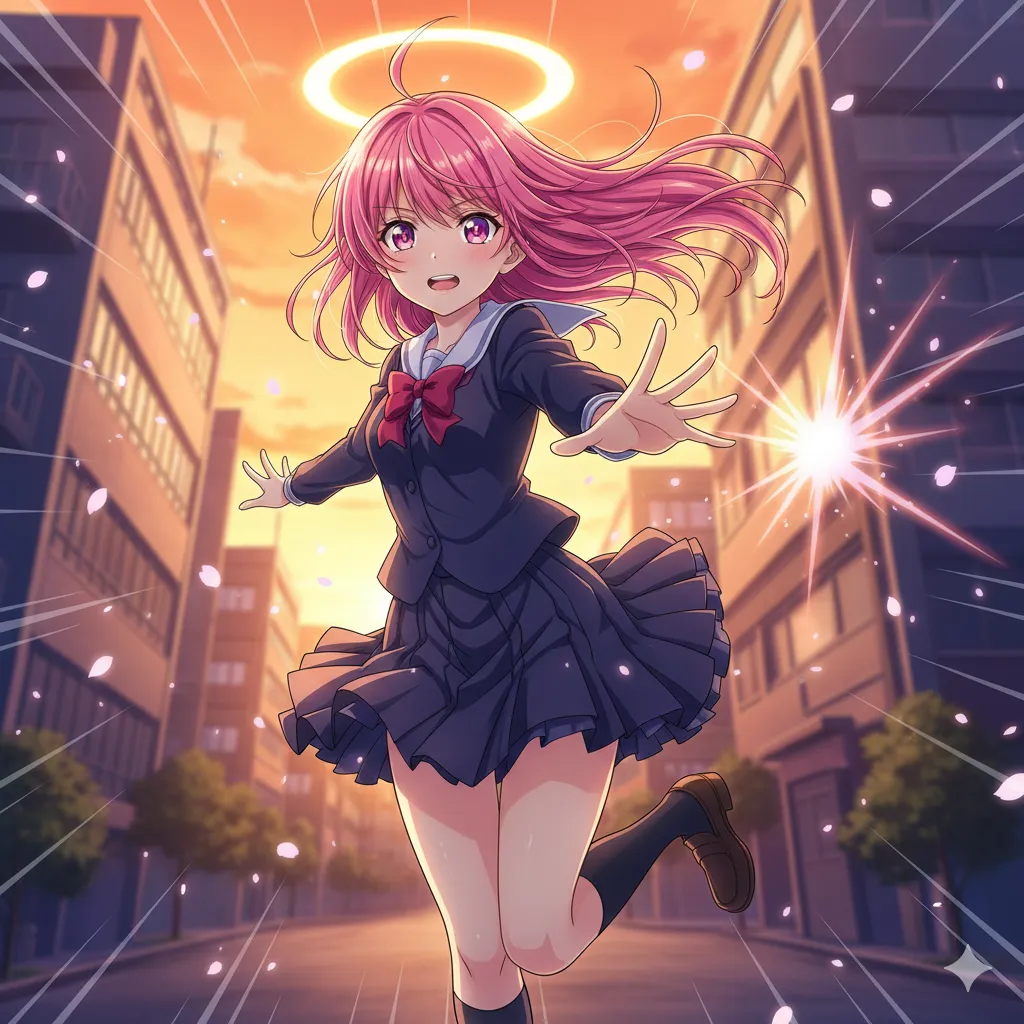
Anime
Vibrant cel-shaded art, expressive eyes, dynamic poses.
Try this style →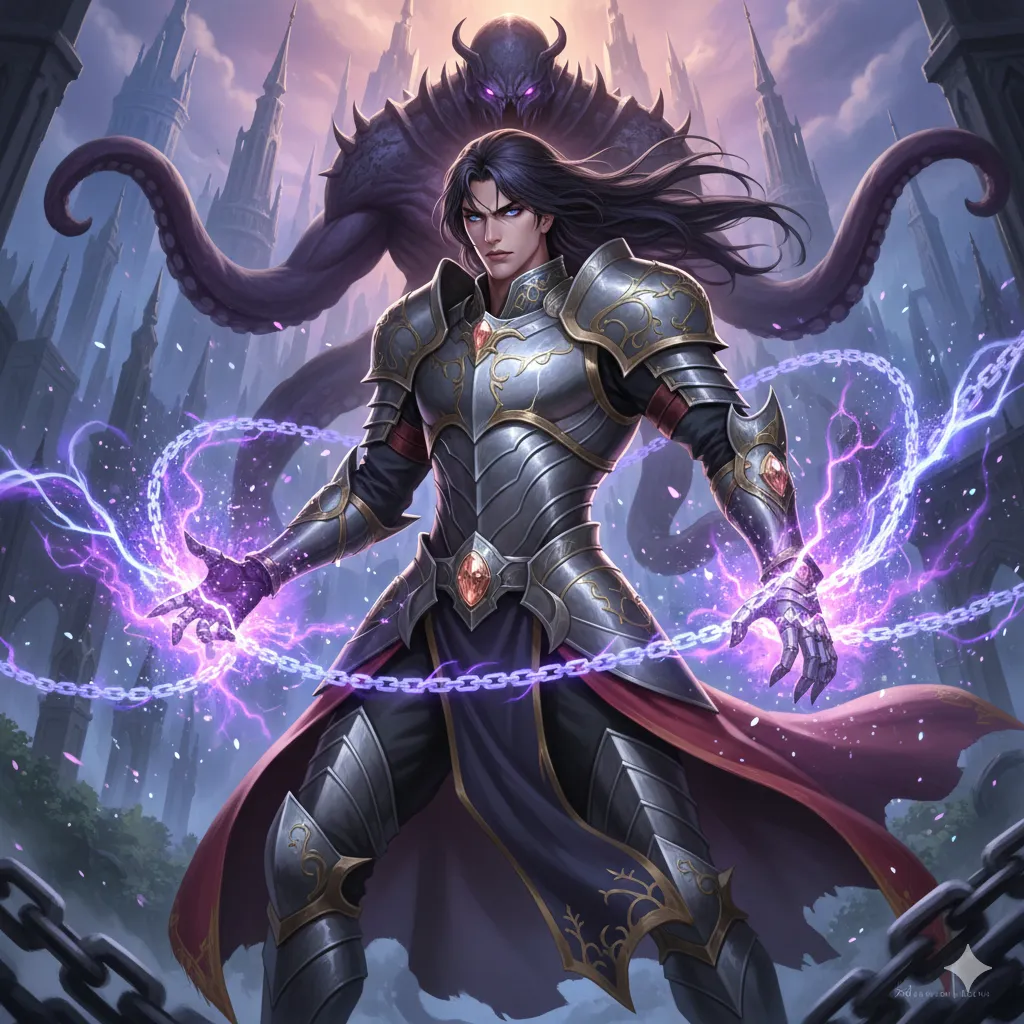
Manhwa
Korean webtoon style, full color, vertical flow.
Try this style →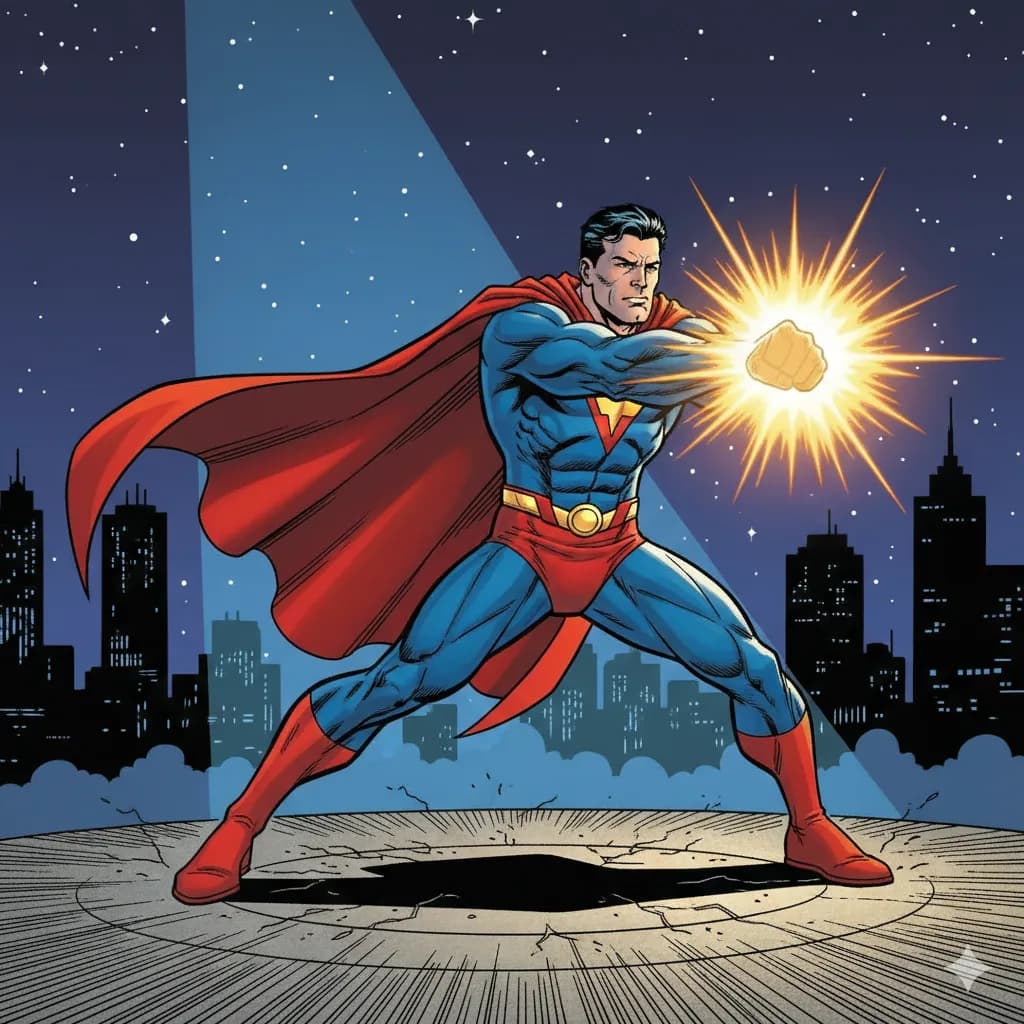
Superhero
Bold lines, vibrant colors, superhero aesthetics.
Try this style →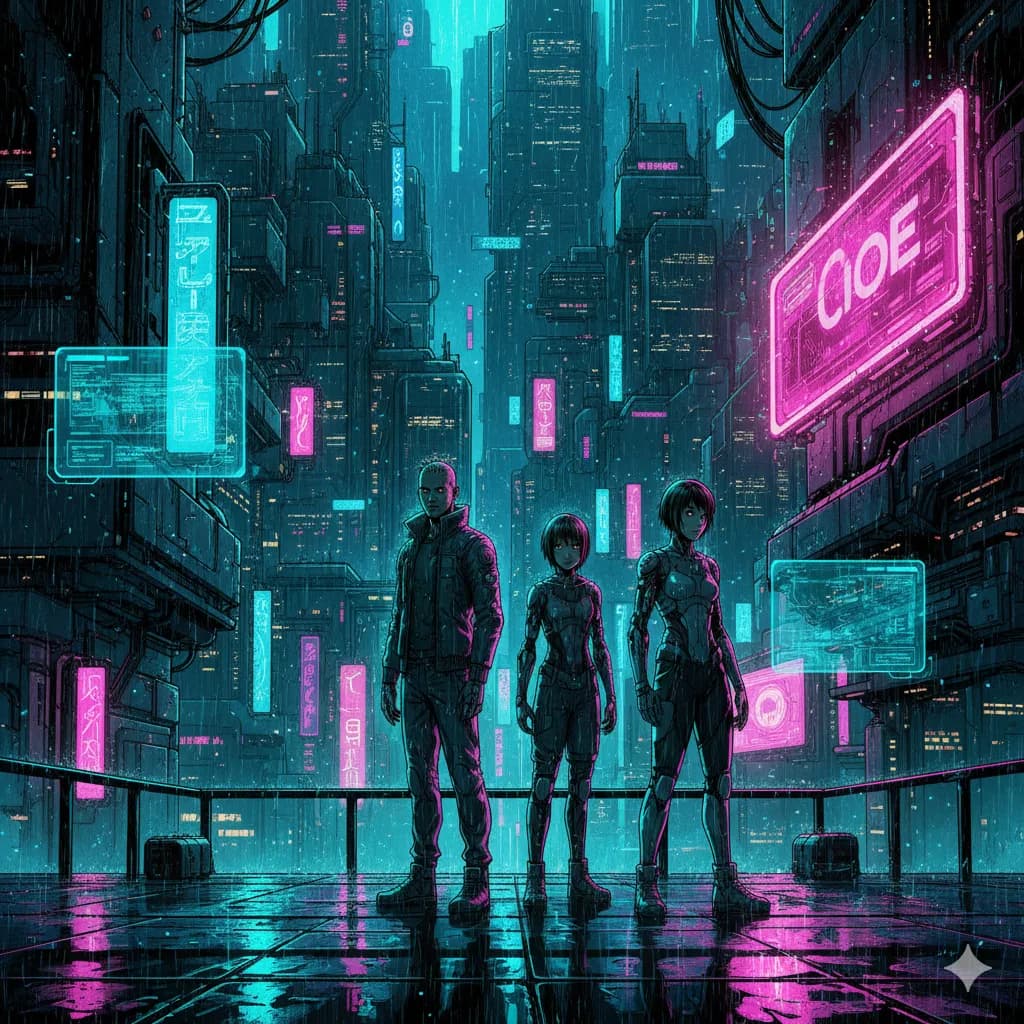
Sci-Fi
Futuristic settings, neon accents, tech-driven world.
Try this style →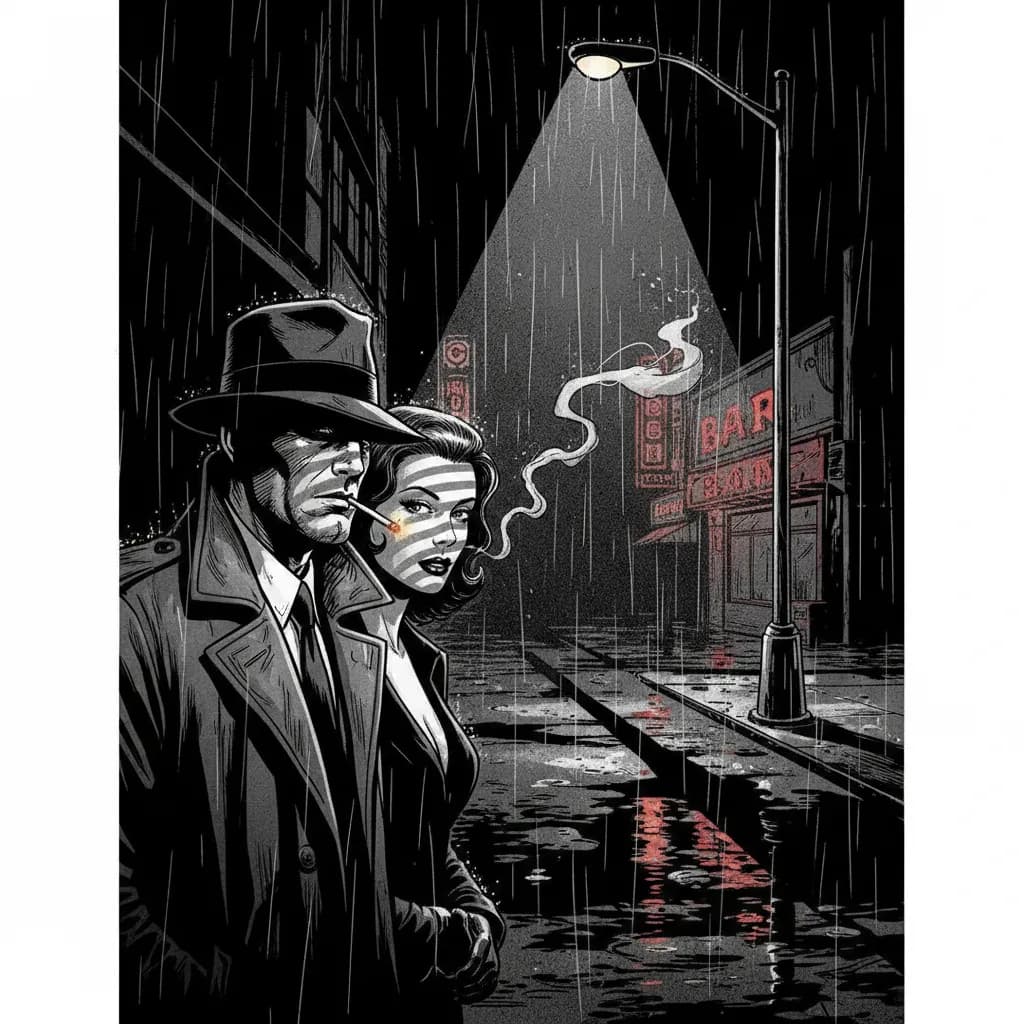
Noir
High contrast, dark moody tones, detective atmosphere.
Try this style →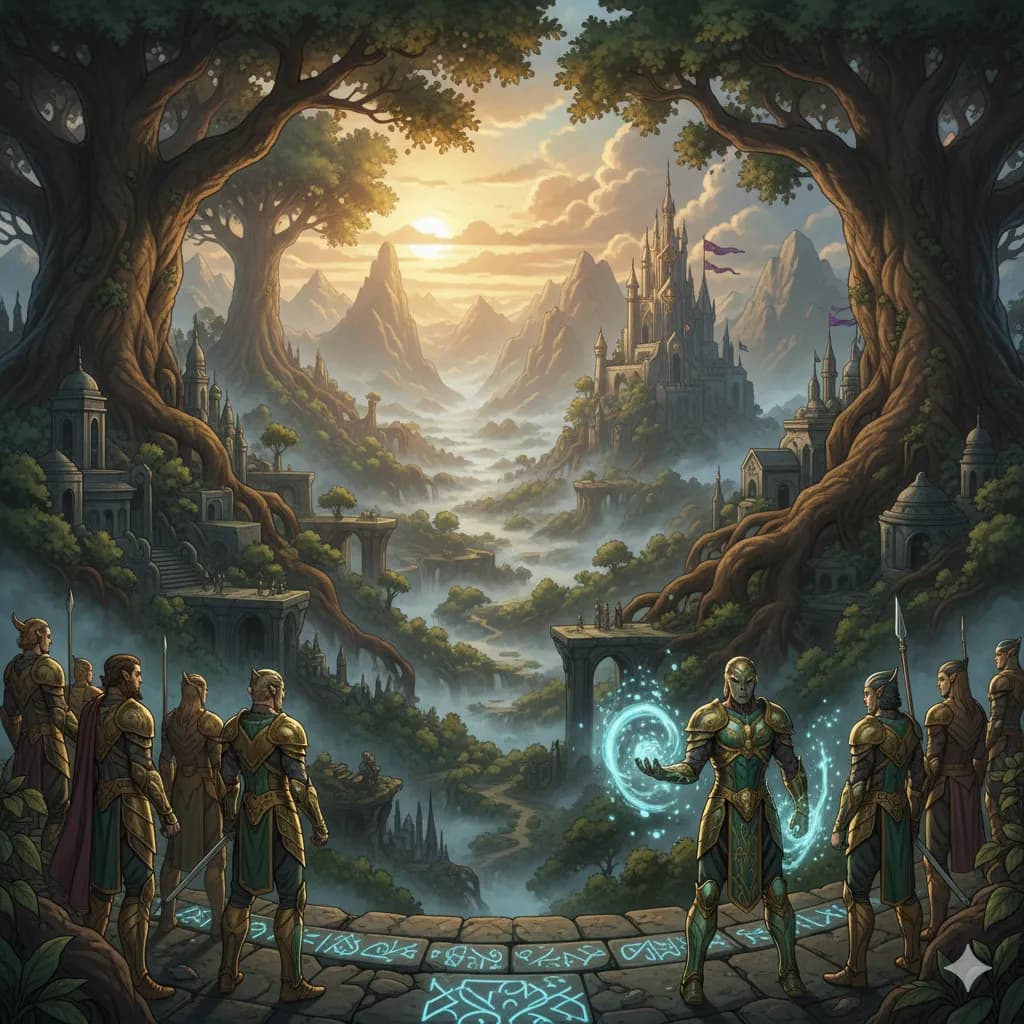
Fantasy
Epic landscapes, magical creatures, enchanted realms.
Try this style →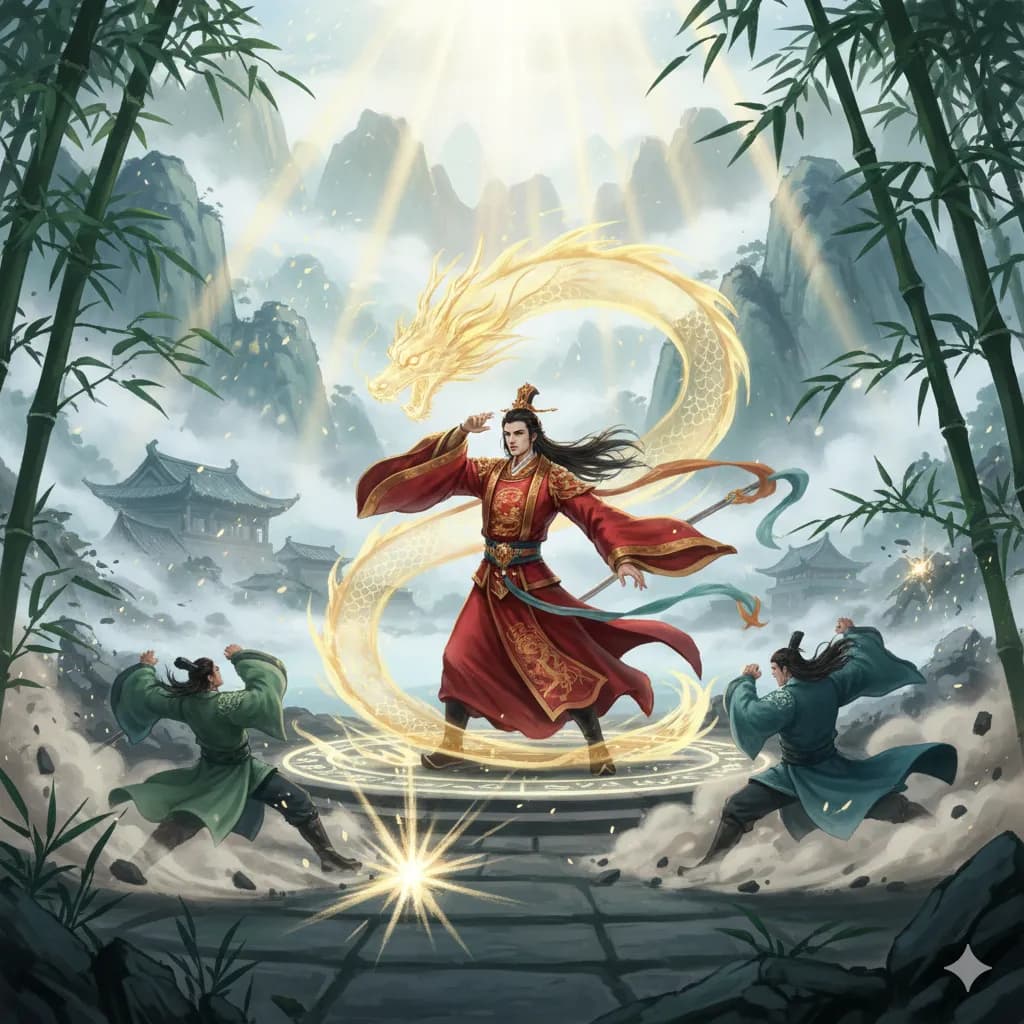
Manhua
Chinese comic style, rich colors, martial arts themes.
Try this style →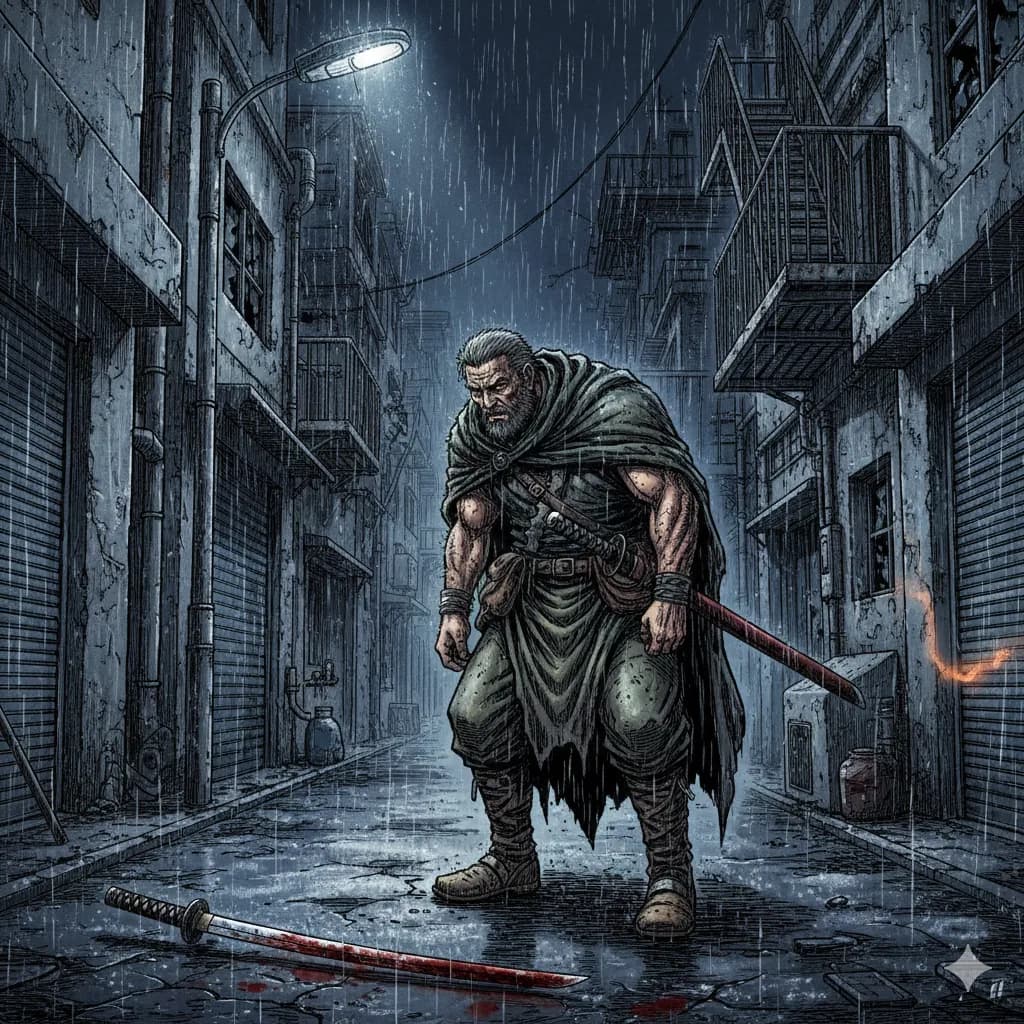
Seinen
Mature manga, detailed art, complex narratives.
Try this style →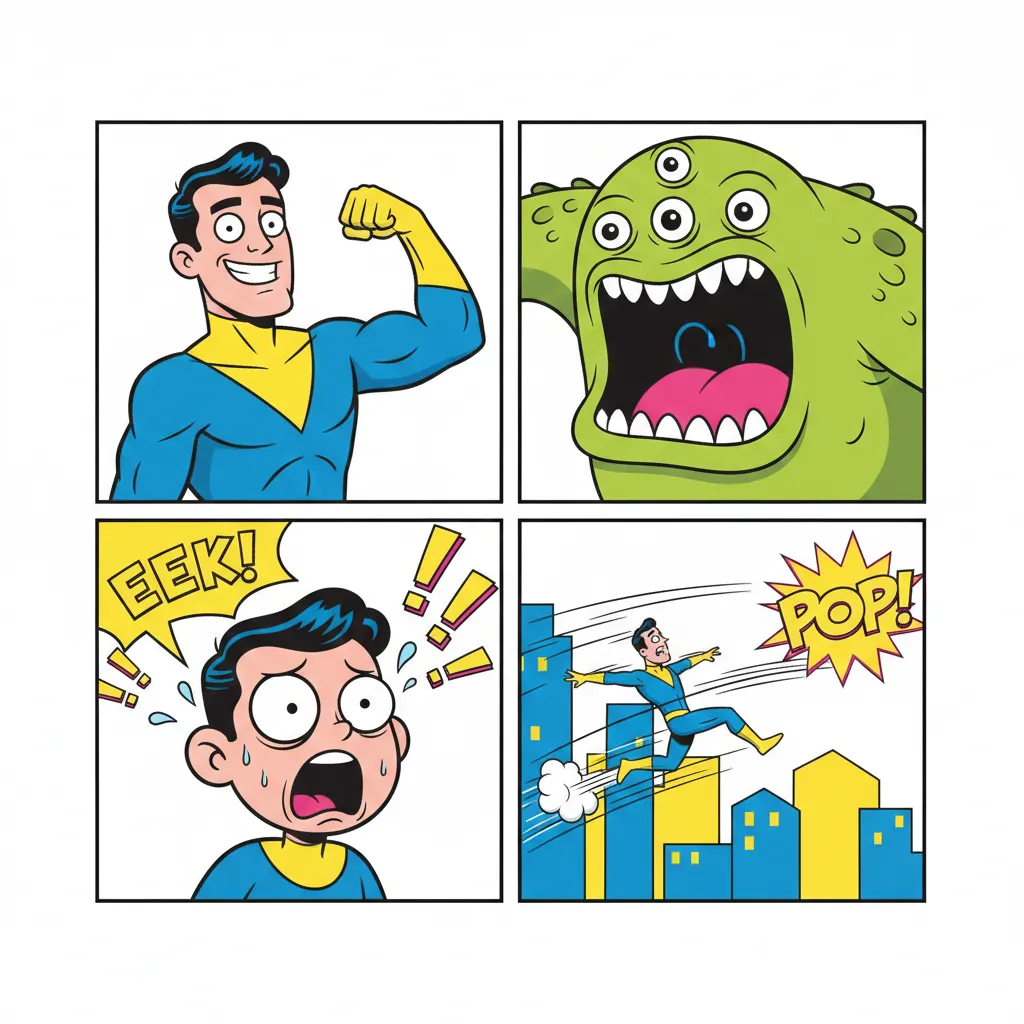
Comedy
Fun & expressive, bright colors, exaggerated features.
Try this style →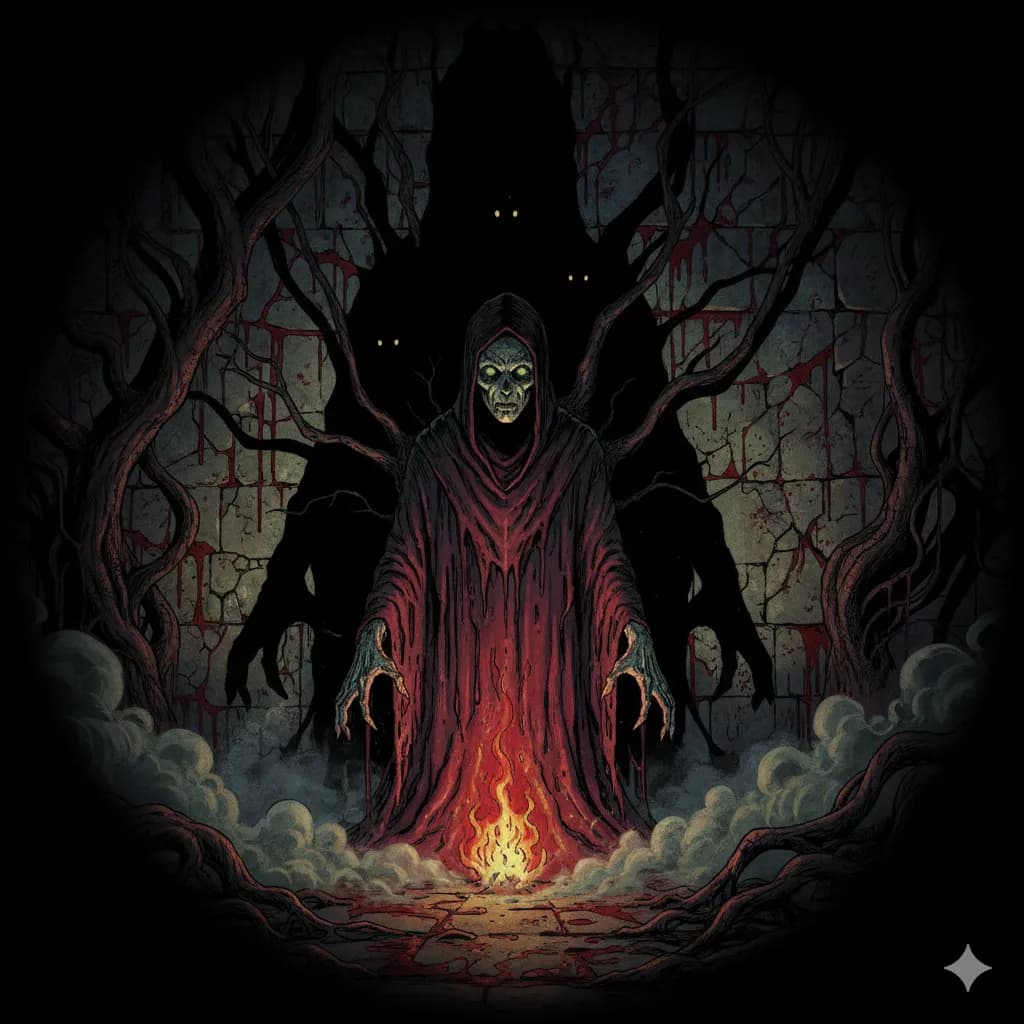
Horror
Dark shadows, eerie tones, spine-chilling imagery.
Try this style →Frequently Asked Questions
What is a webtoon?
Can COMICPAD create true webtoon-style art?
Are AI webtoons compatible with WEBTOON?
What plans support webtoon creation?
Can I create webtoons in Korean?
More Webtoon Questions
Do I have to label my webtoon as AI-generated on CANVAS in 2026?↓
WEBTOON has not announced a platform-wide AI-disclosure requirement on CANVAS as of June 2026 — but two related rules apply. (1) The 2025 Webcomic Legends contest banned generative AI in submissions; that ban was contest-scoped, not platform-wide. (2) South Korea's AI Basic Act took effect January 22, 2026 and requires disclosure of generative AI content distributed commercially in Korea, with a one-year grace period on penalties. If you plan to monetize a Korean-distributed series, plan to label. Outside Korea, follow each platform's current creator-program guidelines on the day you publish.
What canvas dimensions do I need for WEBTOON CANVAS?↓
WEBTOON CANVAS standard is 800 pixels wide. Height is episode-dependent — episodes are typically a single tall image or a vertical sequence; 1280 pixels is the recommended starting height per panel block. Work at 1600 × 2560 internally and downsample for crisp 800-wide output. RGB color, 72 DPI, JPEG or PNG, maximum 2 MB per image. Tapas and GlobalComix have different limits (see the export spec table on this page).
What can I actually earn on WEBTOON CANVAS?↓
WEBTOON's March 26, 2026 unification lowered the minimum payout to $25, expanded the Reward Ads program for CANVAS creators, and announced a Creator Residency Program as part of a $47M creator-ecosystem investment for 2026. Honest framing: most CANVAS creators earn little to nothing; Originals and Patron-program creators earn meaningfully more. Treat CANVAS as the route to building an audience that platforms can then promote to Originals, not as a guaranteed income channel.
Can I use Niji 7 or Midjourney V8.1 for the panels and import them?↓
Yes. Niji 7 (launched January 9, 2026 with Spellbrush) is Midjourney's dedicated anime/manga branch and is well-suited to webtoon and manhwa aesthetics. Midjourney V8.1 became the default model on June 11, 2026 for photoreal and general work. Both are image generators — they don't lay out vertical-scroll episodes or place dialogue. You'd generate panels in Midjourney and assemble the vertical scroll in COMICPAD, Clip Studio, or Photoshop. Some creators use both: COMICPAD for fast story-and-panel drafts, Midjourney for individual hero panels.
Can I copyright a webtoon I made with AI?↓
The U.S. Copyright Office's Part 2 report (January 29, 2025) holds that purely AI-generated output is not eligible for copyright registration. Meaningful human authorship — selection, arrangement, dialogue you wrote, edits you made to the AI output — establishes copyright in the human-authored elements. For a webtoon, the dialogue you write, the panel arrangement you choose, and any edits you make to AI-generated panels are protectable. The AI outputs themselves, in isolation, are not. This is informational and not legal advice.
More AI Comic Tools
Webtoon Creator in 2026
The creator-pathway guide — Canvas specs, AI tool comparison, AI disclosure, earnings reality
How to Make a Webtoon
Complete 2026 guide — canvas specs, platforms, workflow, monetization reality
What Is a Webtoon?
Origins, format, platforms, and how webtoons differ from manga
Webcomic Creator
Full webcomic creation with episode-by-episode workflow
AI Comic Generator
The full-featured AI comic creation hub
COMICPAD Editorial Team
Last reviewed: June 18, 2026.
COMICPAD is one tool in the AI webtoon-maker category. Our own benchmark ranks Dashtoon #1 and COMICPAD #2 — methodology and rankings are in the Best AI Comic Generators 2026 review.
Primary citations: WEBTOON unified international CANVAS announcement (about.webtoon.com/press-release/238, March 26, 2026); ir.webtoon.com press release; AWN coverage of WEBTOON unification; South Korea AI Basic Act effective January 22, 2026 (aibasicact.kr, IAPP, MSIT); Niji 7 launch (nijijourney.com/blog/niji-7, January 9, 2026); Midjourney V8.1 release notes (updates.midjourney.com, June 11, 2026); Dashverse $13M Series A led by Peak XV (Z47 announcement, Crunchbase, August 12, 2025); U.S. Copyright Office, “Copyright and Artificial Intelligence, Part 2: Copyrightability” (January 29, 2025). WEBTOON CANVAS spec and Tapas / GlobalComix figures verified against each platform's creator help docs on the review date.
Create your first webtoon
AI-powered webtoon creation. Get started in minutes.
Start CreatingNo credit card required